
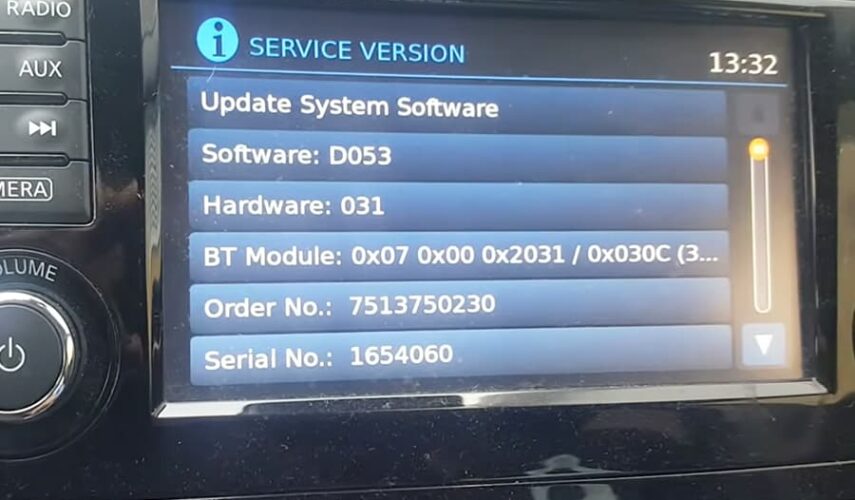
To check which firmware version is currently installed on your system, press and hold the SETUP button, then turn the right control knob 90° counterclockwise, immediately 180° clockwise, and then immediately 90° counterclockwise again.
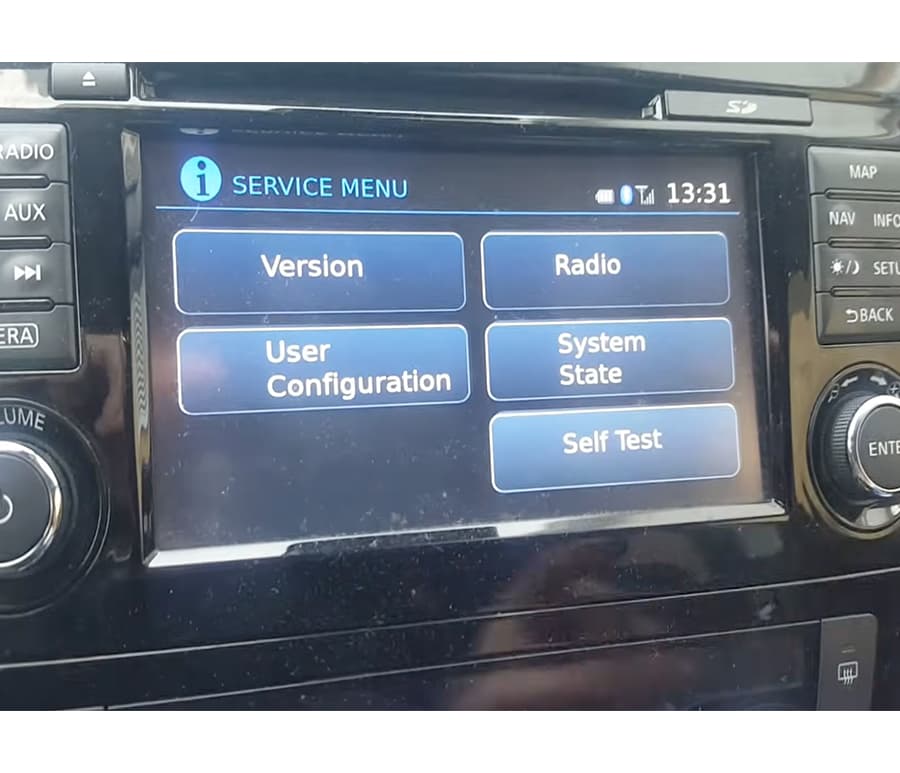
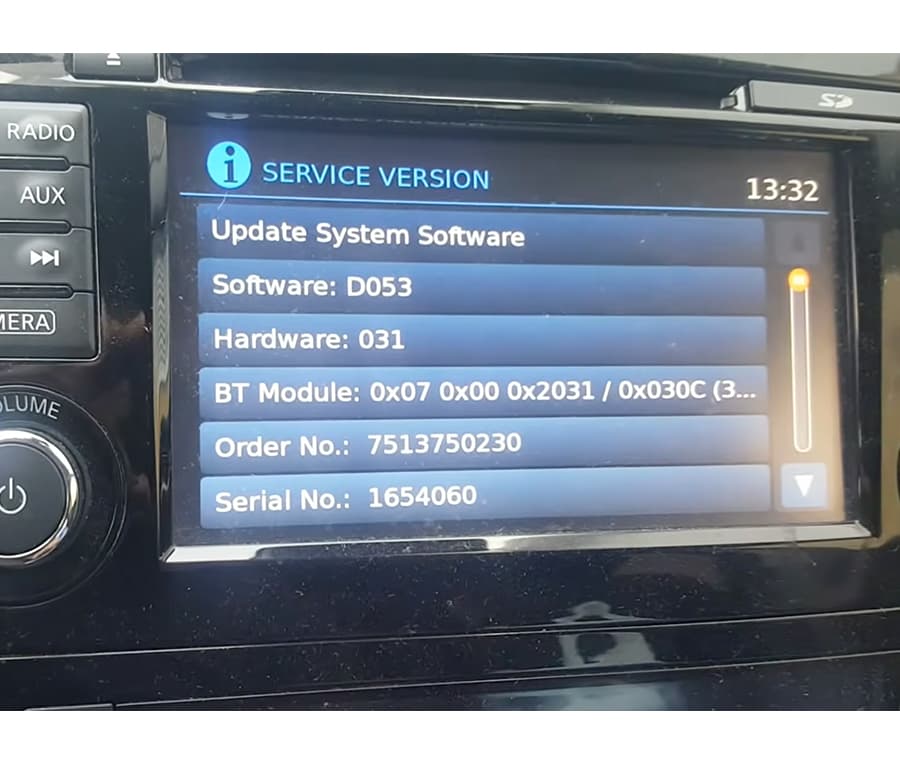
The NC3 Service Menu should now appear on the screen. Press Version and check you current version.
0 Comments for “Nissan Connect 3 how to check your firmware version?”