
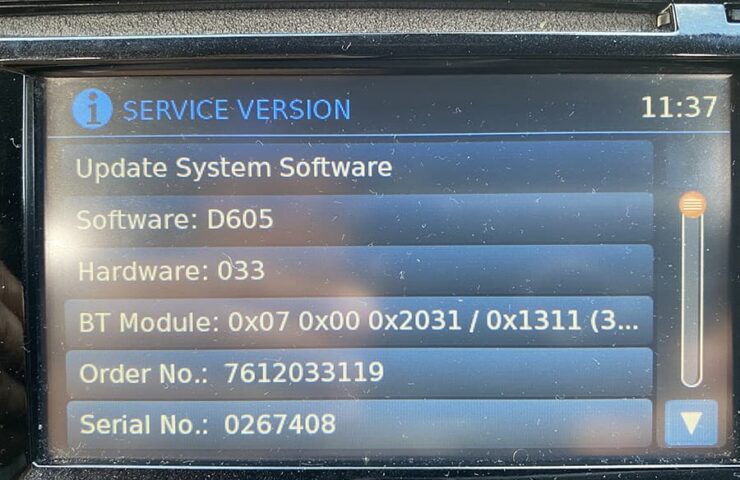
Nissan Connect D502 Firmware UpdateBefore you startImportant: Start the vehicle and keep the engine running until the firmware update is completely finished. The update takes approximately 50 minutes. Do not remove the…
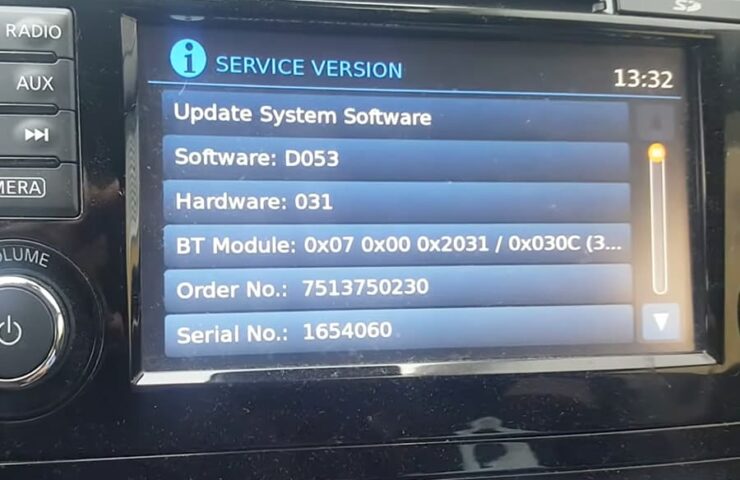
To check which firmware version is currently installed on your system, press and hold the SETUP button, then turn the right control knob 90° counterclockwise, immediately 180° clockwise, and then immediately 90°…
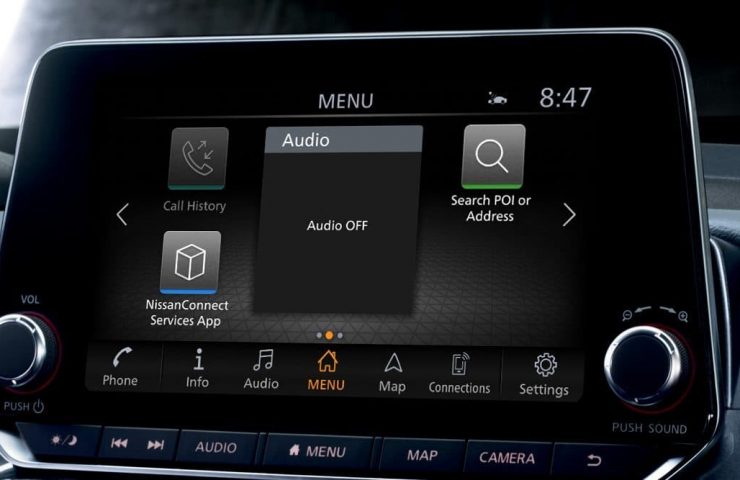
Update your Nissan in-car navigation maps following one of the 2 methods available. NISSANCONNECT IN-CAR SYSTEMS. Method 1 Automatic Map Update Once you’re done with the following procedure, your Nissan will…

How to Update Your Nissan Navigation System for Free When traveling from San Francisco to Maryland, reliable navigation is key. If you’re considering updating your Nissan Navigation System, it’s essential to know…