
Mercedes NTG 4.5/4.7 Maps Update

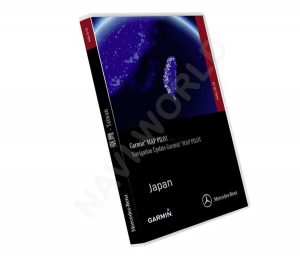
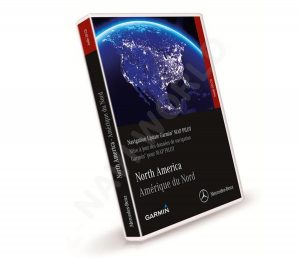
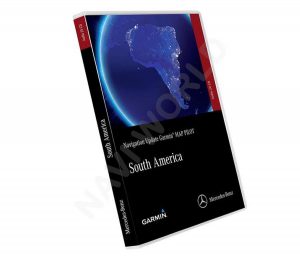

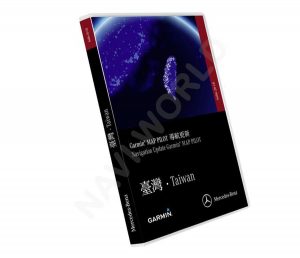
Mercedes NTG 4.5 / NTG 4.7 Maps Update — Latest Available Update
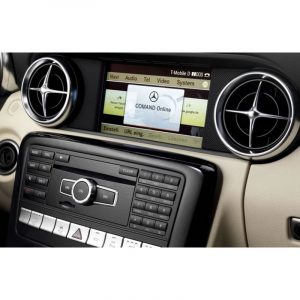
If your Mercedes uses COMAND Online on the NTG 4.5 or NTG 4.7 platform (many cars from roughly the 2011–2015 period do), you already know the system itself can be perfectly fine. The weak point is usually the map data. This category exists for one job: get the latest available map update onto your original head unit, so the factory navigation stays practical for 2026 driving.
Digital delivery: download link + activation PIN
There is no physical SD card or DVD in this category. The update is supplied as a digital package. Once you order, you receive:
- a secure link to the map files for the region you selected
- an activation PIN/code needed to authorise the installation on your specific car
- a step-by-step guide written for normal owners (not workshop technicians)
That PIN is not a “generic password”. It’s generated around the update package and your vehicle details (VIN), because NTG 4.5/4.7 updates are locked by design. Same/Next Day delivery is the normal workflow once the required details are provided.
Europe and North America are the main focus
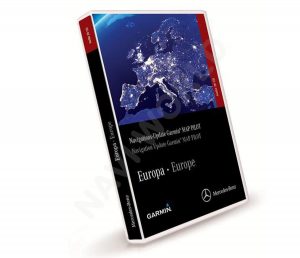
Most customers come here for Europe or North America coverage. If you are searching from the UK or mainland Europe, you’ll often see “sat nav update” used as the common wording. In the USA and Canada, it’s more typical to see “GPS update”. On this page you’ll notice a natural mix of “navigation update”, “sat nav”, and “GPS” because people search differently, but the end result is the same: updated maps + the activation code required to install them.
Other regions you may see in this category
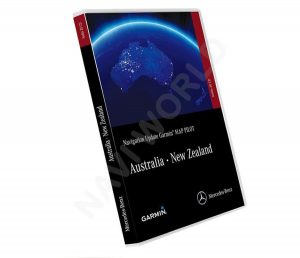
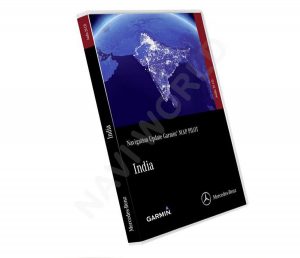
NTG 4.5/4.7 vehicles are used globally, so the category can also include packages for regions such as Australia / New Zealand, Middle East / Africa, Japan, India, Southeast Asia, Taiwan, and South America. These are not “one size fits all” downloads. Coverage, country lists, and release naming depend on the region package itself, which is why the product page for the exact region you want is always the right place to confirm what you’re buying.
What installation looks like
Owners usually complete the update at home. The practical routine is:
- download the files to your computer
- copy them to the required media (USB stick or SD card — the product page specifies which one your package uses)
- run the update inside the car and enter the activation PIN when the unit asks for it
- leave the system alone until it finishes
Nothing exotic is required, but it is important to follow the sequence in the guide and avoid interrupting the process once it starts.
Support and trust
If anything feels unclear before you order (system version, region choice, which media you need), contact our technical team and we’ll point you to the correct package: https://navi-world.com/contact-us/
Navi-World is rated “Excellent” on Trustpilot, and we support customers during selection and installation when needed.
NTG 4.5 or NTG 4.7 — not sure which one you have?
Mercedes naming is messy, and “Mercedes navigation update” alone is not enough to pick the right product. If you want a fast confirmation, send your VIN to our support team and we will guide you to the correct NTG 4.5/4.7 option for your region: https://navi-world.com/contact-us/