
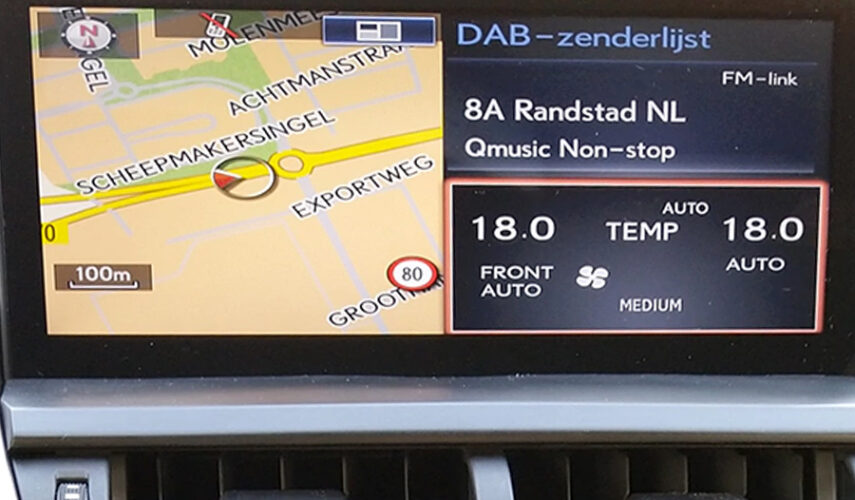
How do I update my Lexus Gen 8 navigation system? Please follow the steps below to complete the update process successfully.
Step 1 – Place Your Order
Purchase the Lexus Gen 8 from our website.
Step 2 – Send Your Current Firmware Version
After placing the order, send us a photo of your current firmware / navigation version screen (example shown below on the product page).
Toyota Gen 8 firmware version example
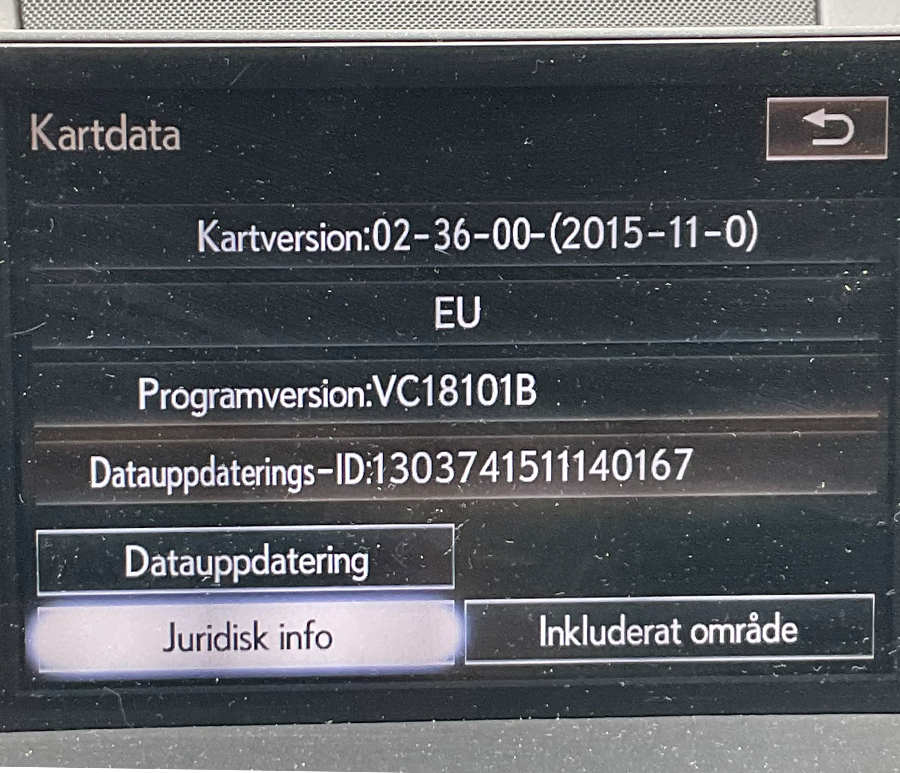
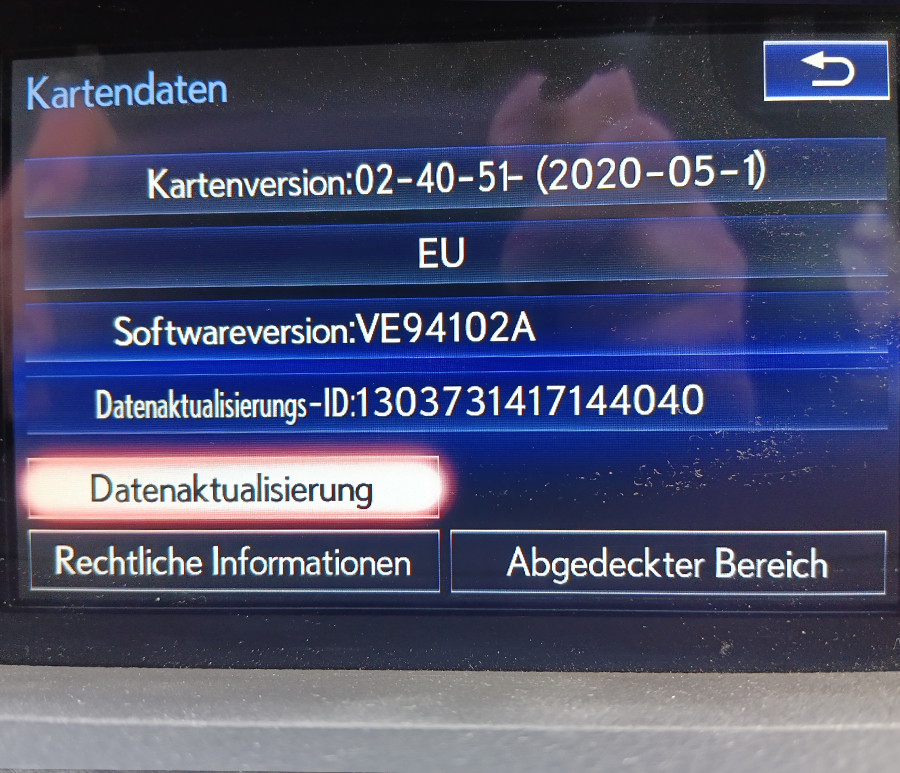
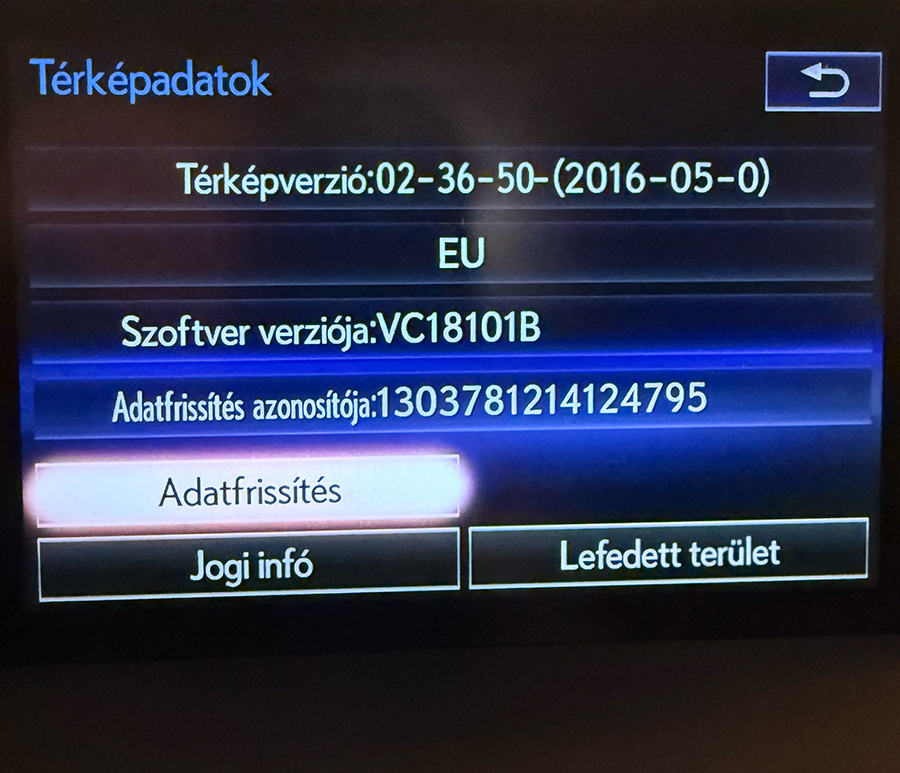
Step 3 – Receive the Download Link
Once we verify your system version, you will receive a download link to the update archive.
Step 4 – Prepare the USB Drive
Use the following requirements carefully:
- USB 2.0 flash drive only
- Maximum capacity: 32 GB
- Format: FAT32
Important
Do not use macOS to prepare the update files.
If you only have a Mac, we strongly recommend using Parallels Desktop with a Windows virtual machine. Parallels offers a 14-day free trial: https://www.parallels.com
Step 5 – Receive Your PIN Code
We will send you a PIN code / activation code required to start the update on your Toyota system.
Step 6 – Install the Update
- Copy all extracted update files to the root of the FAT32 USB drive.
- Start your Toyota vehicle.
- Insert the USB flash drive into the vehicle’s USB port.
- The system will detect the update automatically.
- Enter the PIN code we provided.
- Confirm the update and wait until the installation is completed.
How long does the update take?
The installation usually takes approximately 40 minutes.
During the update:
- Keep the engine running or ensure the battery is sufficiently charged.
- Do not remove the USB drive.
- Do not switch off the ignition until the process is fully completed.
What happens after the update?
Once the installation is finished, the system will restart automatically. You can then check the new map and software version in the navigation settings menu.
Need Help?
If you have any questions during the process, simply contact us using this form and include:
- Your order number
- A photo of the version screen
We are always happy to help you complete your Lexus Gen 8 navigation update successfully.
0 Comments for “FAQ – How to update Lexus Gen 8 Step by step instructions.”