
Mazda Connect Gen 6 Infotainment system 2012-2026
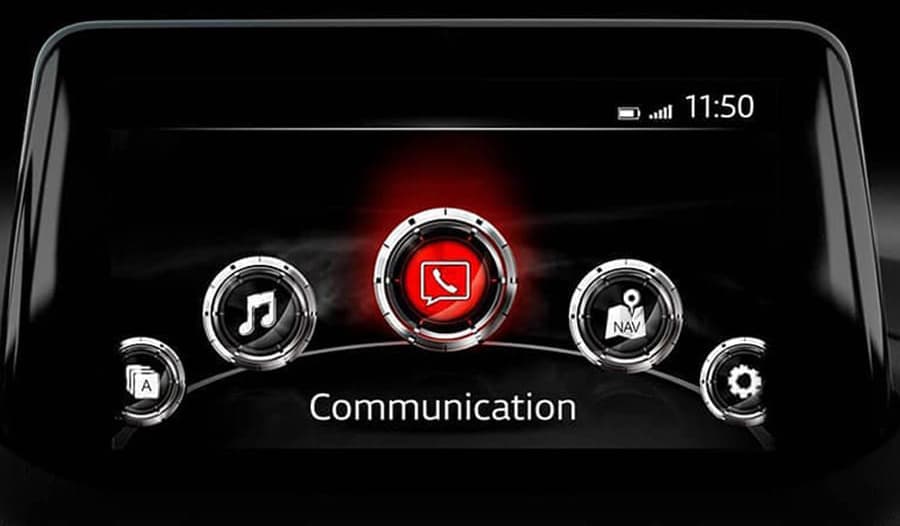
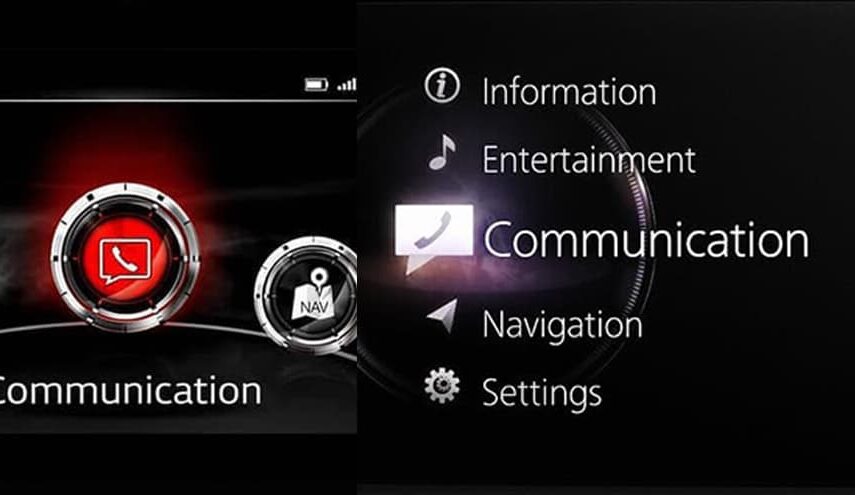
- If your main menu looks like this, your system is Mazda Connect Gen 1.
- All Mazda vehicles produced between 2012 and 2021 were equipped with the Mazda Connect Gen 1 system across all markets.
- Some Mazda models in certain markets still use Mazda Connect Gen 1 today.
If your free map update period has expired, we can renew it. Simply select the DOWNLOADABLE MAP DATA option when placing your order.
- It doesn’t matter whether you currently have a Mazda SD card with active navigation or not.
- If you do not have an SD card, we only need your VIN.
- If you already have an SD card, it is preferable to send us a ZIP archive of the LICENSE folder from the card (even if your SD card is banned) although we can also process the renewal using only your VIN.
- We will provide files that can be copied to any SD card (Kingston, SanDisk, or any other brand) or used with your existing Mazda SD card. After updating through Mazda Toolbox, the card will work in your Mazda.
In short, just send us your VIN and we will generate the SD card data required to activate navigation and provide up to 3 years of free map updates through Mazda Toolbox. The license will be linked to your vehicle’s VIN. All future map updates must be downloaded through Mazda Toolbox. Mazda Navigation Toolbox Links
Mazda Connect 2 Gen 7 Infotainment system 2019-2026+
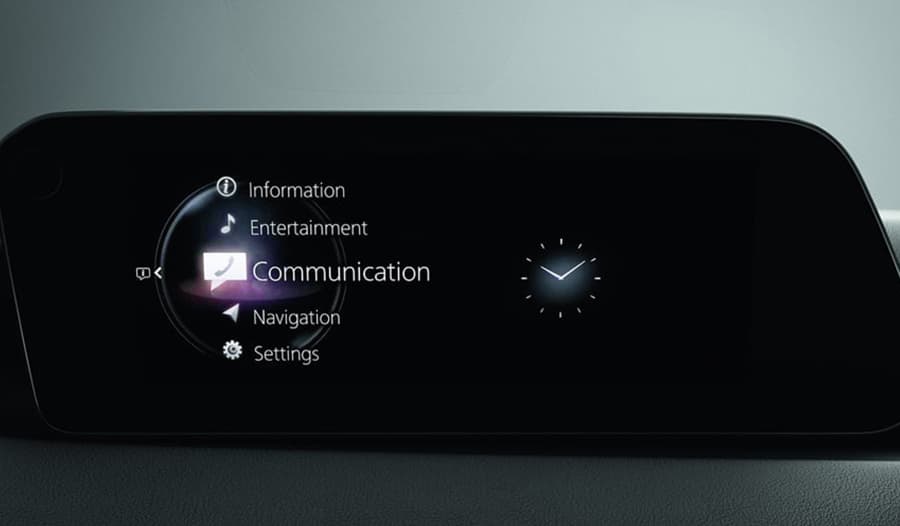
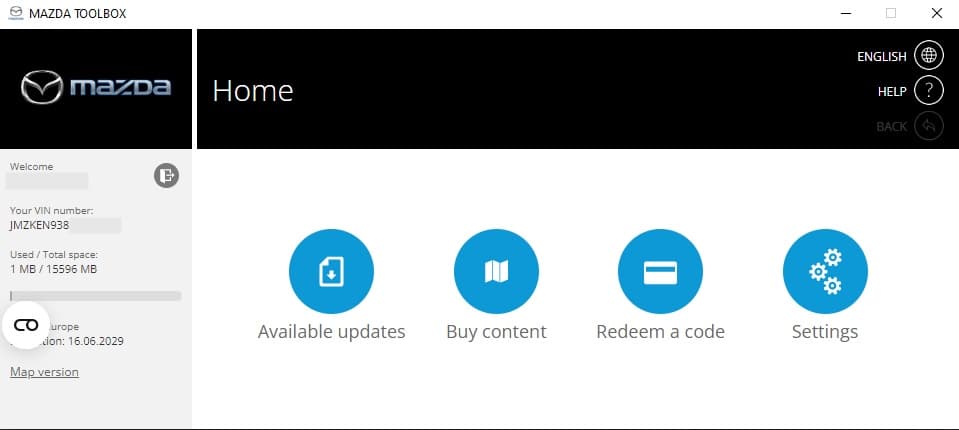
- This is how menu of Mazda Connect Gen 2 looks like
- EU spec Mazda 3 and Mazda CX-30 (2019–2024), Mazda CX-5 and Mazda CX-9 (2021–2024), and Mazda MX-30 (2020–2023) are equipped with the Mazda Connect Gen 2 system.
- NA spec Mazda 3 and Mazda CX-30 (2019–2024), Mazda CX-5 and Mazda CX-9 and Mazda CX-50 (2021–2024) Mazda MX-30 (2020–2023) are equipped with the Mazda Connect Gen 2 system.
- This system may also be installed in other Mazda models depending on the market.
- For European vehicles, Mazda uses a VIN range to identify vehicles equipped with this system. You can check compatibility here
- Also can be checked with firmware version
- Europe spec SD cards BDMC66EZ1C and DN4J66EZ1B
- North America spec SD cards BDGF66EZ1B / BDTS66EZ1B / BGMR66EZ1 / TD2K66EZ1B / VA5466EZ1A
If your free map update period has expired, we can renew it. Simply select the RENEW FREE UPDATES option when placing your order.
Requirements:
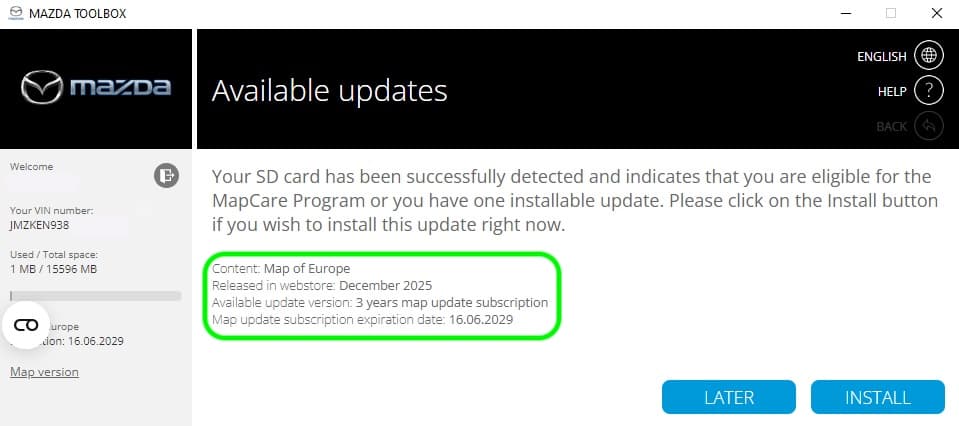
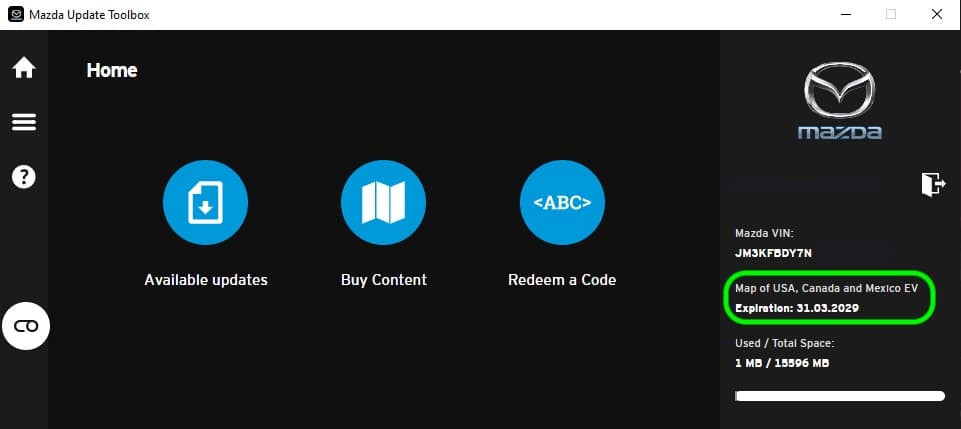
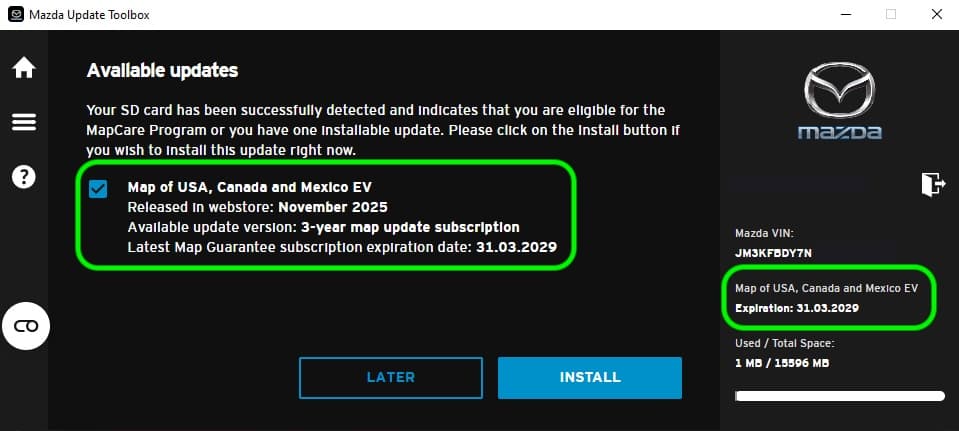
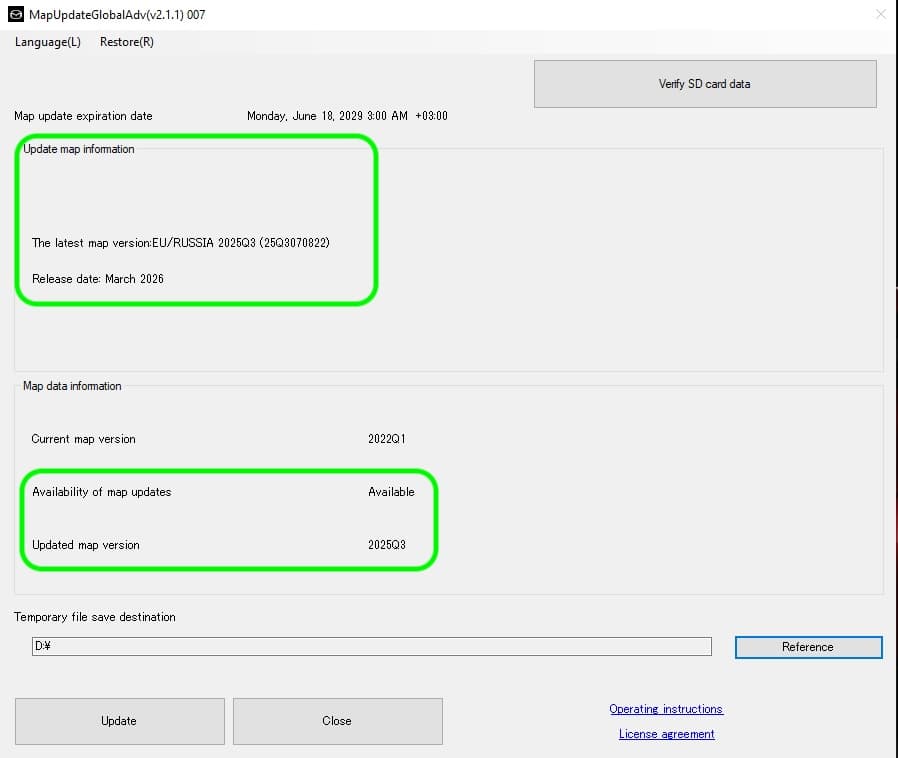
- We can renew your free update entitlement if your free updates are expired in Mazda Update Toolbox.
- You must have a working Mazda navigation SD card with active navigation. SD card should be not banned.
- Create a ZIP archive of the LICENSE folder from your current Mazda SD card and send it to us.
- We will provide new files that must be copied to your existing Mazda SD card.
We need your LICENSE folder from your current Mazda SD card. Files we will send you is possible to use with your current SD card. Mazda Update Toolbox Links
Mazda Connect 2 / Gen 7 Infotainment system 2023-2026+
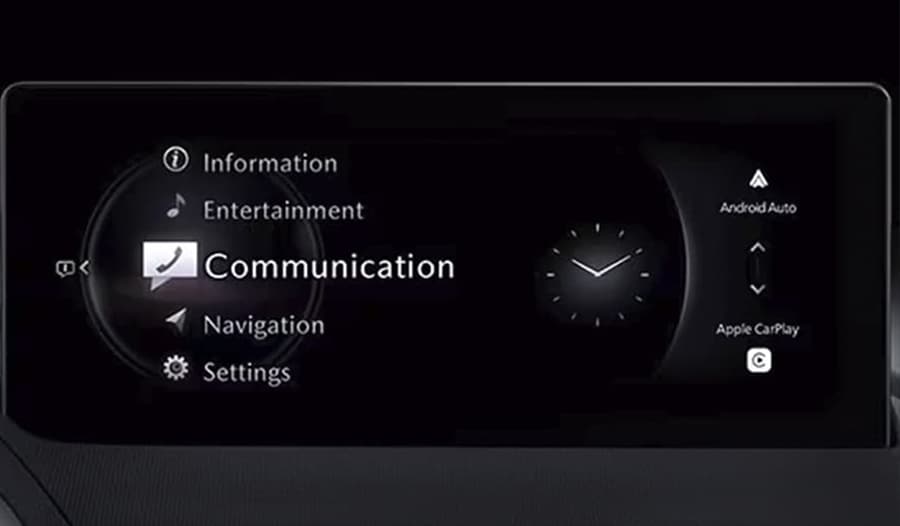
- This system looks almost identical to the previous version but uses a different chip and firmware. It is compatible with newer SD cards.
- EU spec Mazda 3 / CX-30 2024-2026 Mazda MX-30 2024-2026 Mazda CX-5 2024-2026 Mazda CX-60 / CX-80 / CX-90 2023-2026 Mazda MX-5 2025-2026
- NA spec Mazda 3 / CX-30 2024-2026 Mazda MX-30 2024-2026 Mazda CX-5 / CX-50 2024-2026 Mazda CX-70 / CX-90 2023-2026 Mazda MX-5 2025-2026
- This system may also be installed in other Mazda models depending on the market.
- For European vehicles, Mazda uses a VIN range to identify vehicles equipped with this system. You can check compatibility here
- Also can be checked with firmware version
- Europe spec SD cards BJGB66EZ1B and KAAA66EZ1
- North America spec SD cards DRVR66EZ1 / KMV666EZ1B / KR9D66EZ1B /
If you purchased your SD card from Navi-World.com, we can provide a one-time map update. Simply select the ONE TIME UPDATE option when placing your order.
How it works:
- Insert your SD card into a PC.
- Send us the two required files from your current SD card that has already been activated in your Mazda.
- Within 48 hours, we will send you a download link to a ZIP file containing the latest map update.
- Copy the provided files to your SD card.
- Insert the SD card back into your vehicle and verify the map version in the navigation settings.
Complete instructions for obtaining a ONE TIME UPDATE can be found here.
-
We don’t know why Mazda decided to make things so complicated.
-
What we do know is that in some markets Mazda uses the Mazda Connect Gen 2 infotainment system, which is compatible only with Mazda Update Toolbox.
-
If you have any information that could help improve or expand this section, we would be happy to hear from you.
-
If you are interested in cooperation or need assistance with updating your navigation system, we are always happy to help.
Have you got anything for a Mazda 6 2014 the old radio
this sd card will fit
https://navi-world.com/product/mazda-europe-kd5166ez1m-nb1-tomtom-sat-nav-sd-card-2024/