
Mercedes Gen20x Mbux3 Maps Update
-
On Sale!

Gen20x Australia / New Zealand v8 2025
Original price was: €790.00.€369.90Current price is: €369.90. Add to cart -
On Sale!
-
On Sale!
-
On Sale!
Gen20x Middle East / Africa v9 2026
Original price was: €790.00.€369.90Current price is: €369.90. Add to cart -
On Sale!
Gen20x North America v14 2025
Original price was: €790.00.€210.90Current price is: €210.90. Add to cart -
On Sale!
Gen20x South America v8 2025
Original price was: €790.00.€359.90Current price is: €359.90. Add to cart -
On Sale!
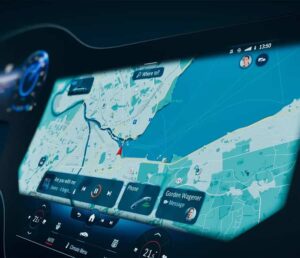
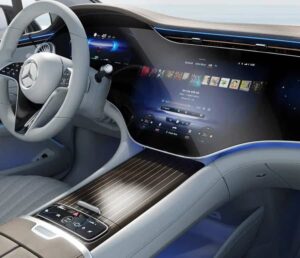

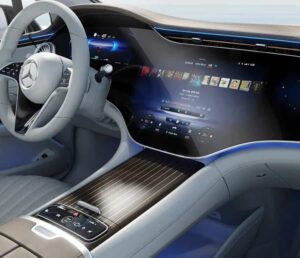
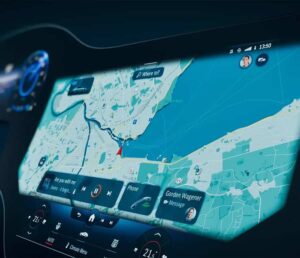
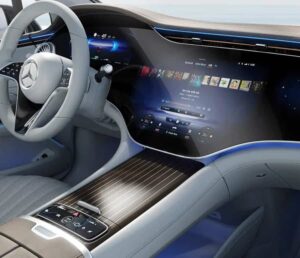

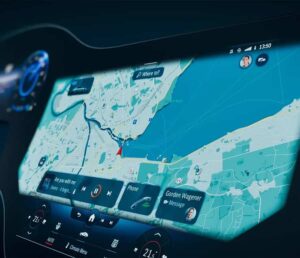
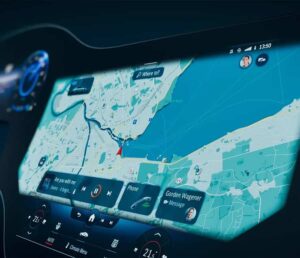
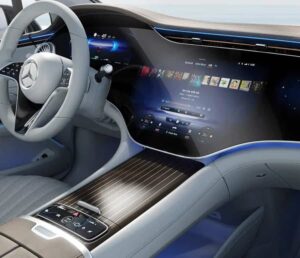
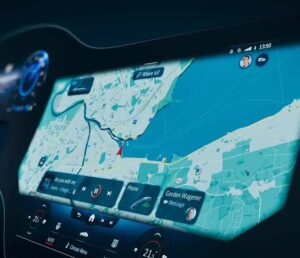
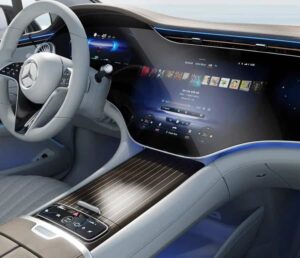
Mercedes-Benz Gen20x (MBUX 3) Navigation Update 2026
This category is for Mercedes cars using the Gen20x (MBUX 3) navigation platform, fitted on many models from 2023 onwards. Here you’ll find the correct map package and the matching activation PIN for your setup. After purchase we send a download link and a short, step-by-step install guide.
Digital delivery (Same/Next Day): after purchase you receive the files, the PIN, and clear instructions, so you can start the update without waiting for shipping.
How to identify your system via VIN
If you have access to a VIN decoder (datacard), these option codes help confirm the multimedia generation:
- Option 534 CONNECT 20 PREMIUM (NTG7) usually indicates NTG 7.
- Option 528 MBUX PREMIUM MULTIMEDIA SYSTEM (GEN. 20X) indicates the Gen20x system.
No VIN decoder available, or the option codes are unclear? Send our support team your VIN and we’ll confirm whether your car is Gen20x before you order: https://navi-world.com/contact-us/
Regions available
Gen20x map updates in this category are offered for Europe and Middle East / Africa. Choose the package that matches where the car is used. The exact content is described on the individual product page for the option you select.
Navigation region change for imported Mercedes (Gen20x)
Many Gen20x owners contact us after importing a car. The navigation can be active, but the map region is still tied to the vehicle’s original market. If the navigation license is active, we can help you switch the navigation region and install the 2026 map package for the region you need.
Common region-change requests:
- North America (USA/Canada) → Europe
- North America (USA/Canada) → Middle East / Africa
- North America (USA/Canada) → Israel
- Europe → Middle East / Africa
Availability depends on the exact configuration, so we confirm the correct route by VIN before you start.
Important limit: region change is not available for vehicles imported from China, Japan, or South Korea.
How the update works
Installation is done via USB. You download the files to your computer, copy them to the USB drive exactly as shown in the guide, then start the update from the navigation menu in the car. When prompted, enter the activation PIN and let the process finish without switching the car off or removing the USB.
Trust and support
Navi-World is rated Excellent on Trustpilot. If you want a quick confirmation (Gen20x check, region choice, import case), contact our technical support and send your VIN: https://navi-world.com/contact-us/