
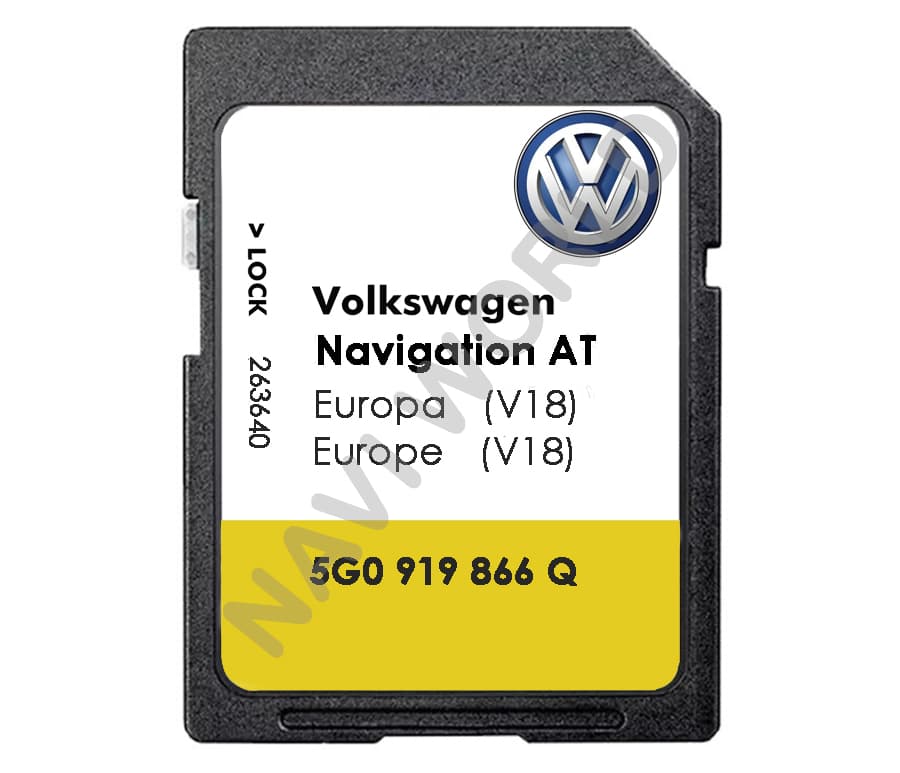

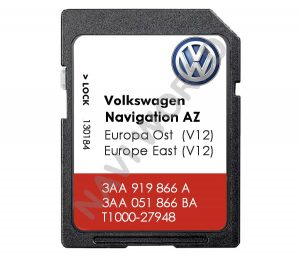
Volkswagen VW 5G0919866Q Sat Nav SD card Discover Media AT MIB1 Europe 2023
Parts number: 8V0060866Q / 5NA919866BS / 5G0919866BS / 5L0051236CH / 6P0919866BT
Maps: V18 Europe 2023+
Europe: Albania, Andorra, Austria, Belarus, Belgium, Bosnia & Herzegovina, Bulgaria, Croatia, Cyprus, Czech Republic, Denmark, Estonia, Finland, France, Germany, Gibraltar, Greece, Hungary, Iceland, Ireland, Italy, Kosava, Latvia, Liechtenstein, Lithuania, Luxembourg, Macedonia, Malta, Moldova, Monaco, Montenegro, Netherlands, Norway, Poland, Portugal, Romania, San Marino, Serbia, Slovakia, Slovenia, Spain, Sweden, Switzerland, Ukraine, United Kingdom, Vatican City
Suitable for the following models:
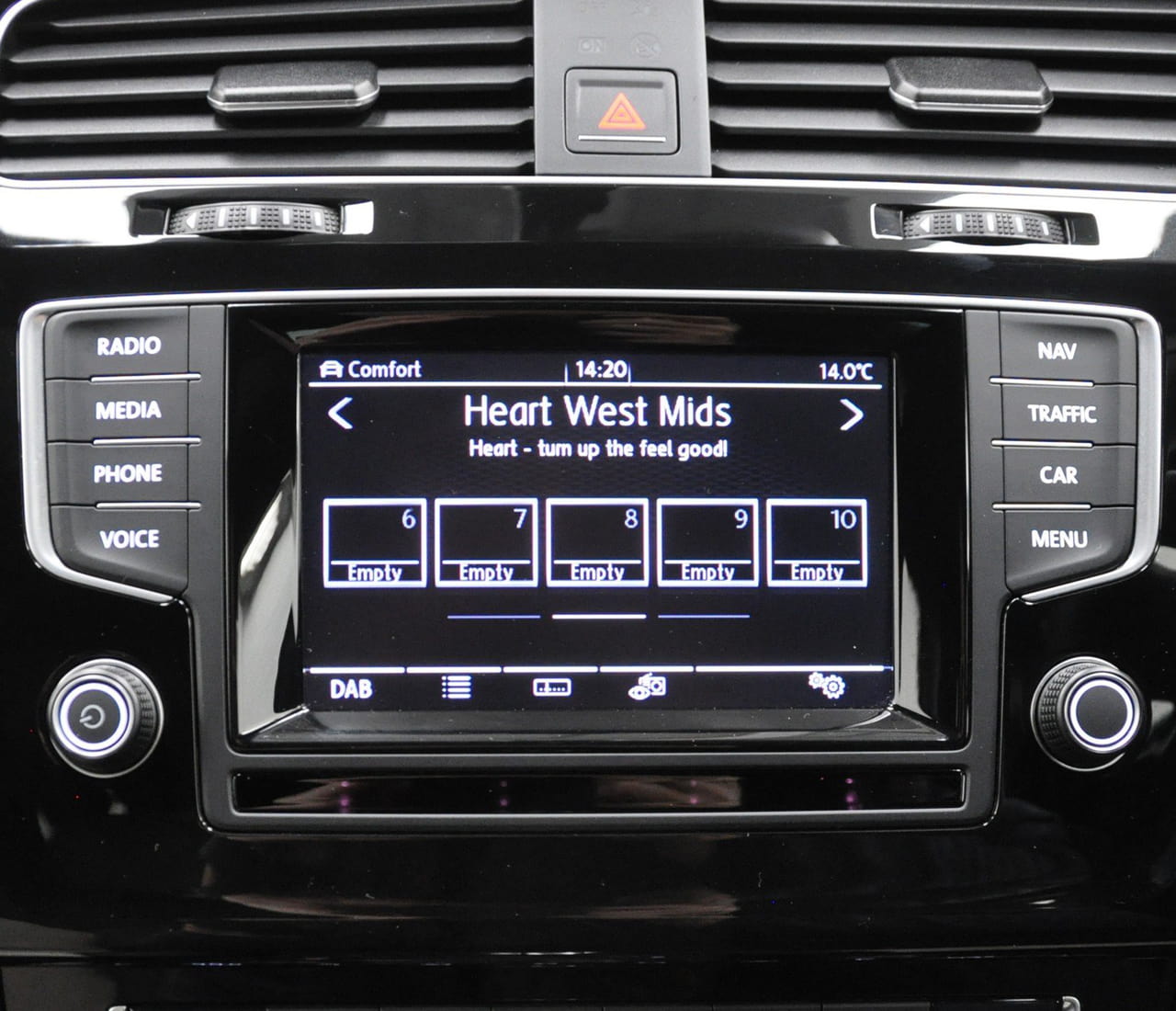
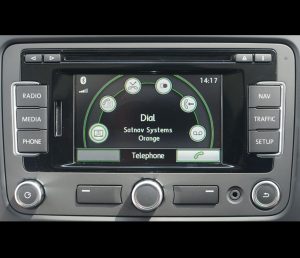
- Volkswagen Discover Media
- Skoda Amundsen
- Seat MIB1
VOLKSWAGEN:
- CC 2015-2017
- Passat B8 2014-2017
- Polo Typ 6C 2014-2017
- Sharan 2013-2017
- Scirocco 2013-2017
- Tiguan 2013-2017
SKODA:
- Fabia III (NJ)
- Rapid (NH)
- Rapid Spaceback (NH)
- Octavia A5 MK3
- Yeti
- Skoda Fabia III (NJ)
- Skoda Rapid (NH)
- Skoda Rapid Spaceback (NH)
- Skoda Octavia A7 (5E)
If you’re not sure which system your vehicle uses—MIB1, MIB2, or Discover Pro—please follow the instructions below:
How to Locate the MIB Part Number
Luckily, there’s no need to physically disassemble your dashboard or remove any modules. Your infotainment system’s part number can be easily found within the system settings by following one of these methods:
Method 1: Using System Information
-
Navigate to:
CAR→Setup→System information -
Look for the field labeled Device part number
Method 2: Using the Software Version Menu
-
Press and hold the MENU button for about 3 seconds
-
Select
Software update / versions -
Find the section labeled Part number
Once you’ve located the part number, you can match it to the appropriate MIB version using the reference table below.
Table of MIB Part Numbers and Corresponding Systems
| VAG Systems | MIB Part Number |
| MIB2 VW Discover Pro | 3G0 035 021 3G0 035 043 3G0 035 045 3Q0 035 043 |
| MIB2 VW Composition Media | 3Q0 035 824 C 3Q0 035 819 |
| MIB2 VW Discover Media (MQB) | 3Q0 035 846 3Q0 035 874 |
| MIB2.5 VW Discover Media (MQB) (if navigation working without SD card/if navigation is not working without SD card) |
3Q0 035 864 |
| MIB2 Skoda Columbus | 3V0 035 020 3V0 035 021 3V0 035 043 3V0 035 045 3V0 035 046 |
| MIB2 VW Discover Media (PQ) | 5C0 035 680 |
| MIB1 Skoda Columbus | 5E0 035 020 |
| MIB1 VW Discover Pro (Golf MK7) | 5G0 035 020 5G0 035 043 |
| MIB1 VW Composition Media (Golf MK7) | 5G0 035 819 5G0 035 844 |
| MIB1 VW Discover Media (Golf MK7) | 5G0 035 846 5G0 035 858 5G0 035 864 |
| MIB2.5 VW Discover Pro (if navigation working without SD card/if navigation is not working without SD card) |
5NA 035 022 5NA 035 043 |
| MIB2 Skoda Amundsen | 5Q0 035 874 5Q0 035 864 |
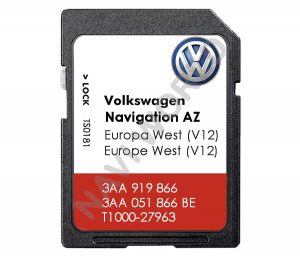
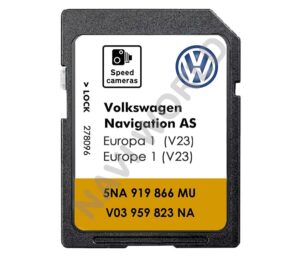
How to Identify Which VW/Skoda/Seat Sat Navi Update You Need? Device ID / MIB ID


Besten Dank für die gute Kommunikation.
Bij Navi-world heb ik de VW SD-kaart Discover Media AT MIB1 Europa 2023 gekocht voor amper 46€, en dit werkt perfect.
Echt een aanrader. Het was wat zoeken, want je krijgt twee SD-kaartjes: een 2013 SD en een 2023 SD-kaartje. Enkel het 2023 kaartje werkt niet (het systeem hangt in een eindeloze loop).
Wat je doet: eerst in 'het menu 'instellingen' de optie verwijder SD kaart aanklikken. Het bestaande SD kaartje verwijderen. Dan het 2013 kaartje in de gleuf steken. Dit activeert de nieuwe kaart. Vervolgens het 2023 kaartje in de gleuf steken. De 2023 kaarten worden ingelezen en zijn klaar voor gebruik. Dit alles duurt maximaal 5 minuutjes. En groot voordeel: alle locaties en adressen die je ooit hebt opgeslagen blijven bewaard en kan je opnieuw gebruiken. Conclusie: ik ben erg tevreden!
Simple remove old sd card and replace with the aboveV13 . Definitely recommend this.
It functions perfectly in my VW Jetta 2017.
I strongly recommend this seller for the service, price, and quality of the product.