
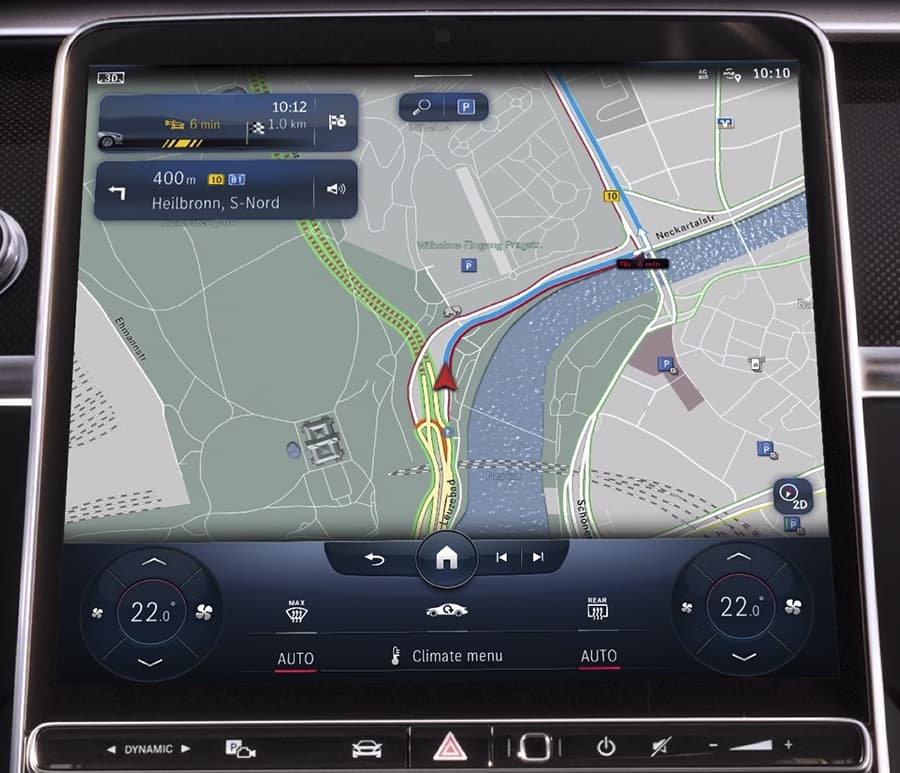
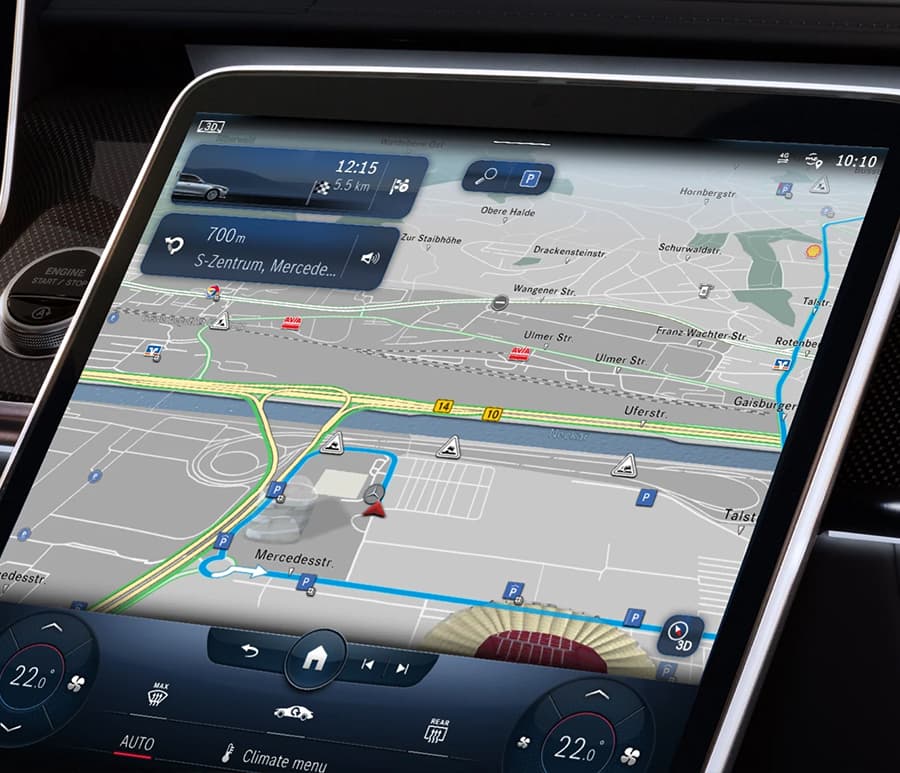
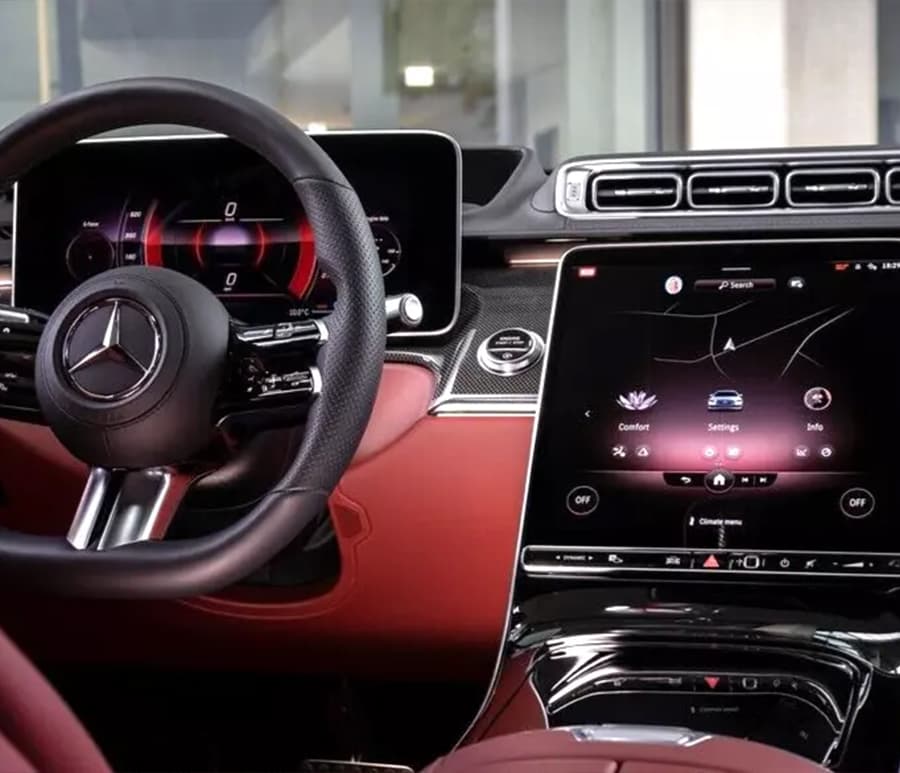
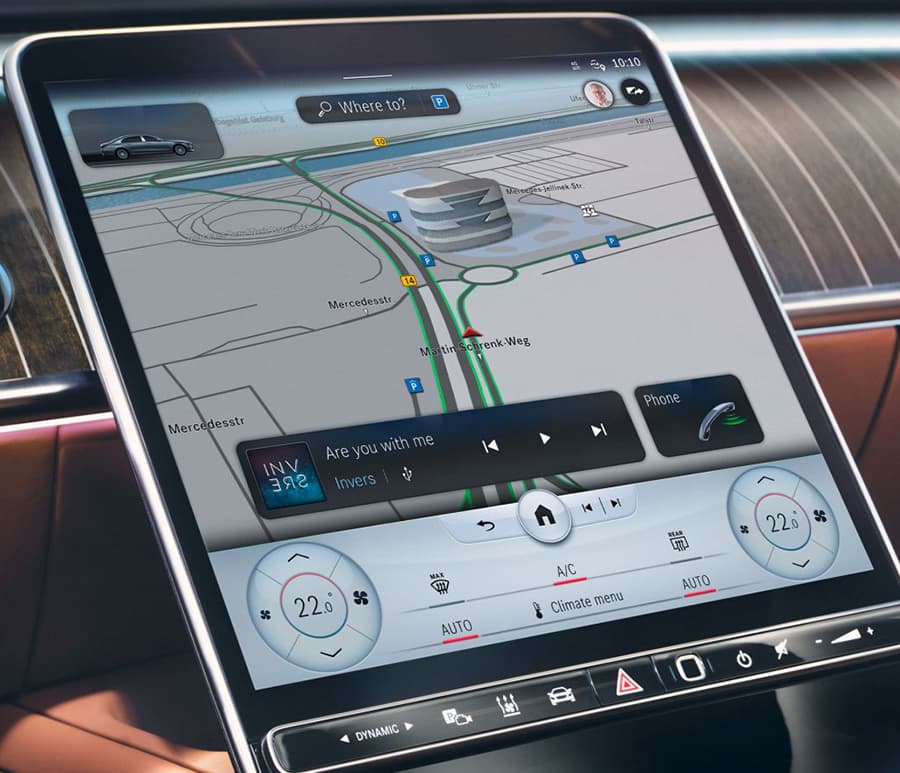
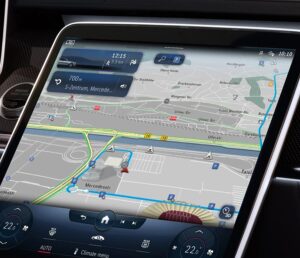
Mercedes Benz NTG7 MBUX2 Australia / New Zealand v14 2025 navigation map update + activation code (PIN)
Version / Year : v14 2025 This is latest update.
Release Date: 19.08.2025
Purchase content: Maps + activation code (PIN)
Maps: Australia / New Zealand
Please include your VIN in the order notes. The activation code (PIN) is tied to the VIN of the car and to the specific version of the card. Please make sure you provide us with the correct vehicle VIN.
Compatibility Mercedes-Benz NTG7:
C-Class W206
SL-Class W232
S-Class W223
AMG GT W192
GLC class W254
EQE / EQS / SUV – W294 / W295 / W296 / W297
*May fit other models with the NTG7 system. If you’re not sure which NTG version your Mercedes has, please send us your VIN and we will check it for you.
Important:
Note 1: Your NTG7 navigation (navigation license) must be active. You can check this in the Settings → License section of your system.
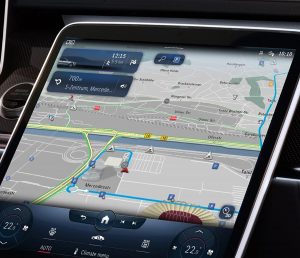
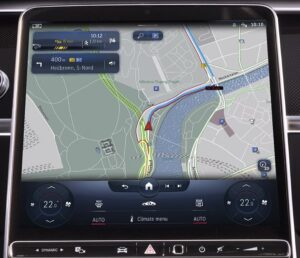
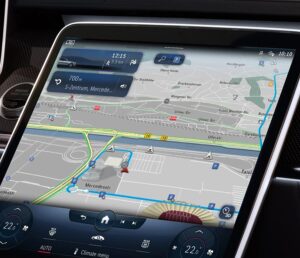
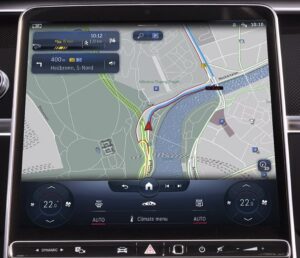
Note 2: This is an official Mercedes-Benz navigation update, fully compatible with vehicles equipped with augmented reality (AR) navigation.
Note 2: With this update, you can easily switch between map regions — for example, from North America to Europe or any other supported region. No additional procedure is required. (Region switching is not possible for vehicles imported from Japan, South Korea or China)
Available PIN code for changing regions :
USA to Middle East / USA to Europe / Europe to Middle East / Middle East to Europe
Note 3: Please include your VIN (Vehicle Identification Number) in the order notes when placing your order. Where to find VIN
Note 4: The activation code (PIN) is linked to your specific VIN and to a specific map version. It cannot be used on another vehicle or with a different map version. Please save the PIN — it can be reused for reinstallation on the same vehicle.
Note 5: This is a digital product. Maps and activation code (PIN) will be sent to you within a maximum of 24 hours after we receive your VIN. PIN codes for NTG7 are only available during business hours (Monday to Friday).
Note 6: By placing an order, you confirm that your VIN is correct, your navigation system is fully functional, and your current map data is properly recognized by the system.
Note 7: Once a PIN code is generated for your VIN, no returns or refunds are possible for this product.

Reviews
There are no reviews yet.