
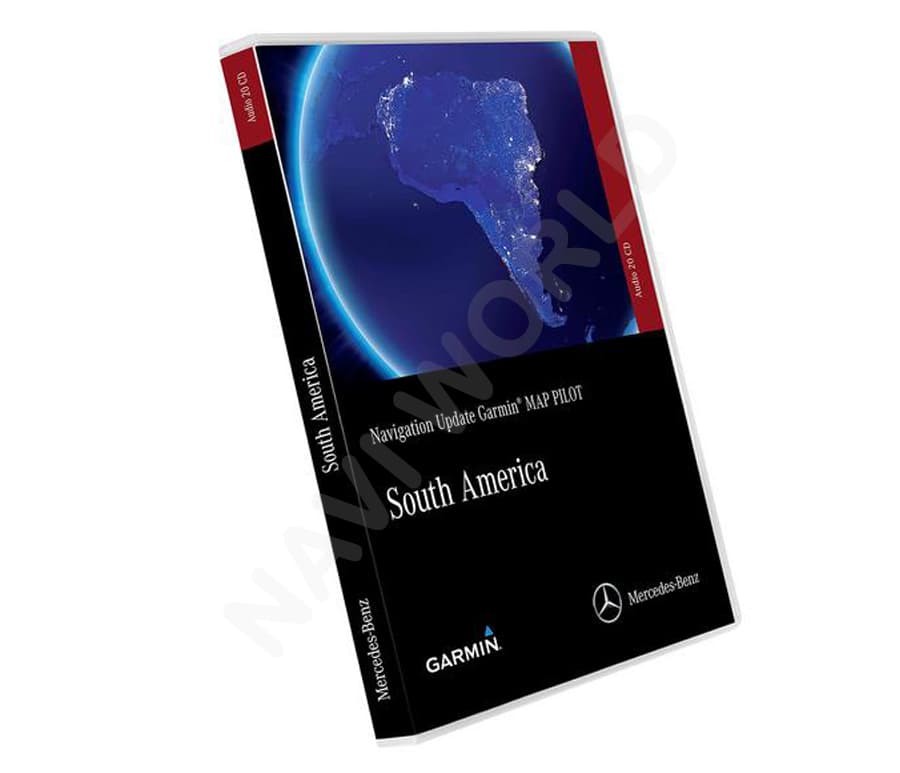
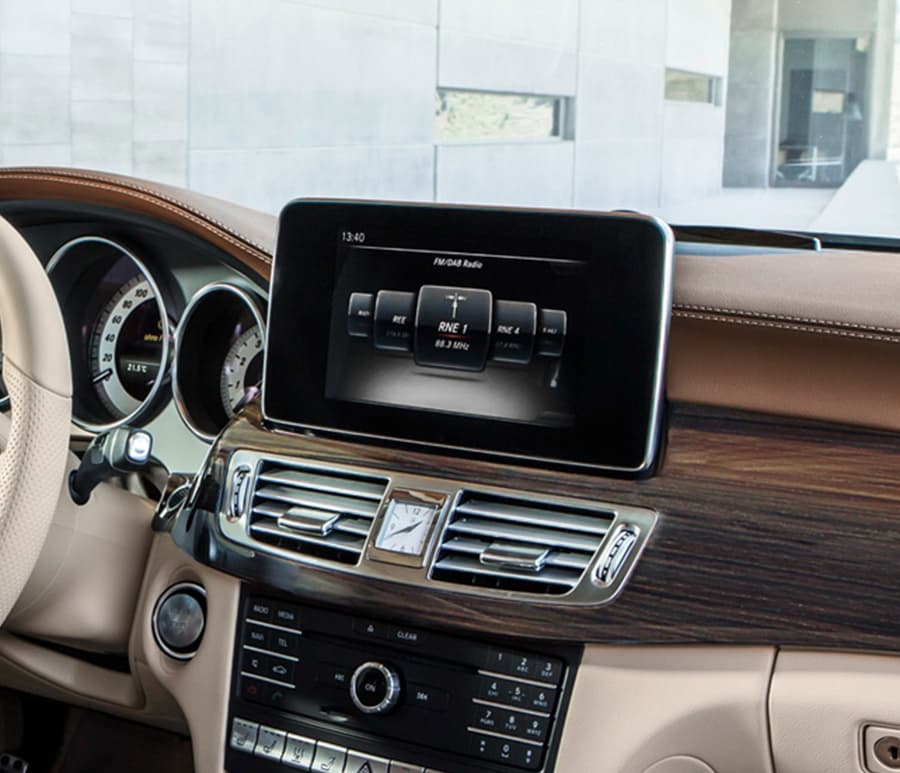
Mercedes Benz NTG 5*1/5s1 South America V12 2021 navigation map update + activation code (PIN)
Version / Year : V12 2021 This is latest update
Release Date: 20.07.2021
Maps: South America
Map coverage: Argentina, Brazil, Cayman Islands, Colombia, Chile, Costa Rica, French Guiana, Guadeloupe, Martinique, Panama, Paraguay, Peru, Saint Barthelemy, Uruguay and Venezuela.
Purchase content: Maps + activation code (PIN)
Please include your VIN in the order notes. The activation code (PIN) is tied to the VIN of the car and to the specific version of the card. Please make sure you provide us with the correct vehicle VIN.
Important Notes:
Note 1: This is a digital product. Map files and activation code (PIN) will be sent within 24 hours after we receive your VIN.
Note 2: In most cases, you will receive the PIN and map files within 15–20 minutes. Activation codes for NTG 4. 7 / NTG5. 1 / NTG5. 2 / NTG5. 5 / NTG6 are available 7 days a week. However, codes for NTG7 are only available during business hours (Monday to Friday).
Note 3: Please make sure to include your VIN (Vehicle Identification Number) in the order notes. Where to find VIN
Note 4: The activation code (PIN) is tied to your VIN and to a specific map version. It cannot be used on another vehicle or with a different version of the maps. Please save the PIN — if needed, you can reinstall the navigation on your vehicle at any time.
Note 5: By placing an order, you confirm that your VIN is correct, the navigation system is fully functional, and your current map data is properly recognized by the system.
Note 6: If your vehicle was imported from one region to another (e.g., North America to Europe), you may need to change the navigation region. In some cases, this can be done manually via the engineering menu of the head unit. Region change is not included in the price, and we do not offer this service. How to change region NTG4.5/4.7 engineer menu
Note 8: Once a PIN code is generated for your specific VIN, no returns or refunds are possible for this product.
If your car model is not listed, or if you’re unsure which NTG system your vehicle uses, please contact us before ordering — we’re happy to help.
- Model series A-Class W176 (09/2012-08/2015)
- Model series B-Class W246 (11/2011-10/2014)
- Model series C-Class C204 (06/2011-11/2015)
- Model series C-Class S204 (03/11-08/14)
- Model series C-Class W204 (03/2011- 02/2014)
- Model series CLA C117 (04/2013-06/2016)
- Model series CLS C218 (USA 06/2011) (01/2011-08/2014)
- Model series CLS X218 (10/12-08/2014)
- Model series E-Class A207 (USA 05/2010) 03/2010-04/2013)
- Model series E-Class C207 (05/2009-04/2013)
- Model series E-Class S212 (USA 07/2010) (11/2009 – 03/2013)
- Model series E-Class W212 (04/13-03/16)
- Model series E-Class W212 (03/09 – 03/13)
- Model series G-Class A463 (06/2012- )
- Model series G-Class W463 (06/2012- )
- Model series GLS X166 (USA 09/2012) (11/2012-02/2016)
- Model series GLA X156 (03/2014-04/2017)
- Model series GLK X204 (06/2012- )
- Model series GLE-Class W166 (USA 09/2011) (11/2011-08/2015)
- Model series SL R231 (03/2012-03/2016)
- Model series SLK-SLC R172 (USA 06/2011) (03/2011-03/2016)
Please ensure to include your vehicle identification number (VIN) in the NOTES section during checkout. A full 17 digits VIN is required to obtain a PIN code that is specific to your vehicle and map version. Instead of shipping a USB stick, we will send you a text code, map link, and instructions via e-mail.
- Please note that this product is intended for customers who have experience with downloading files, extracting archives, and formatting USB sticks or SD cards. If you do not have the necessary knowledge, we recommend seeking assistance from a Mercedes Benz dealer. They will help you but price will be x6. We cannot be held responsible for any issues that may arise during the installation process.
- Please also note that this product is solely intended for updating your car’s navigation system. It is important that your navigation unit is fully functional and in good working condition. This product is not suitable for units that are broken, greyed out, or retrofit navigation unit.
- If you wish to update maps for a different region from your car’s current location, you will need to change the region. In some cases, you may be able to do this yourself through the engineering menu of the head unit. However, please note that the procedure to change regions is not included in the price, and we do not offer this service.
- Once a PIN code is generated for your specific vehicle, there are no returns or refunds available for this product.
To update your car’s navigation system, you will need a Windows laptop and a 64GB USB stick or SD card. Follow these steps:
- Prepare your laptop and a 64GB USB stick or SD card.
- Download the map files to your laptop. The map link will be sent to you via email messages after payment.
- Format your USB stick to NTFS using a tool like GuiFormat.
- Unzip the downloaded map files directly onto the USB stick’s root directory without creating any folders.
- Insert the USB stick or SD card into a free slot in your car.
- The navigation map update will launch automatically.
- Enter the Map Pin Code when it is requested on your screen.
- The map installation process will take between 1-2 hours to complete. If the installation does not work, try using another USB slot or redo all the steps from the beginning.
If the installation doesn’t work, try using another USB slot or restarting from the beginning. Remember that a successful update requires a fully functional navigation unit.




1 review for NTG 5*1/5s1 South America V12 2021