
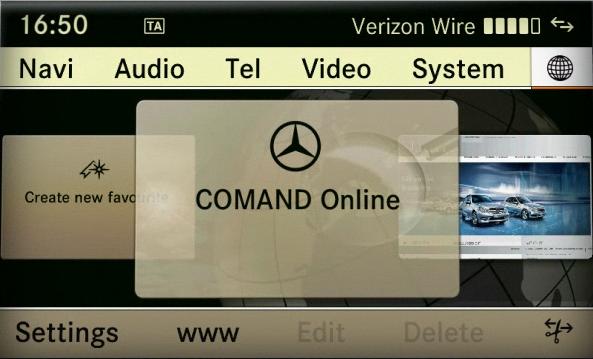
As of Model Year 2010 (207/212 models), the COMAND system can be switched between European (ECE) and USA variants (“modes”). This feature is useful for:
- USA vehicles purchased in Europe and intended for temporary use there (e.g., European Delivery Program, military, diplomats).
- Temporarily converting a USA-market vehicle to ECE mode for European navigation and features.
- Switching back to USA mode upon return to the USA without needing Star Diagnosis.
Note: Requires a valid, official, and legally acquired USA Map Database DVD for the specific model.
Warning: ECE (European Variant) mode enables basic Telematics functions in Europe when the Customer Center/Workshop in Germany changes the COMAND variant to European mode.
Steps to Change Region
- Access the Dealer Menu
- On the COMAND system, press and hold the following three hard keys together: END + 7 + 9.
- Hold these keys for a few seconds until the Dealer Menu appears on the screen.
- Navigate to Market Setting
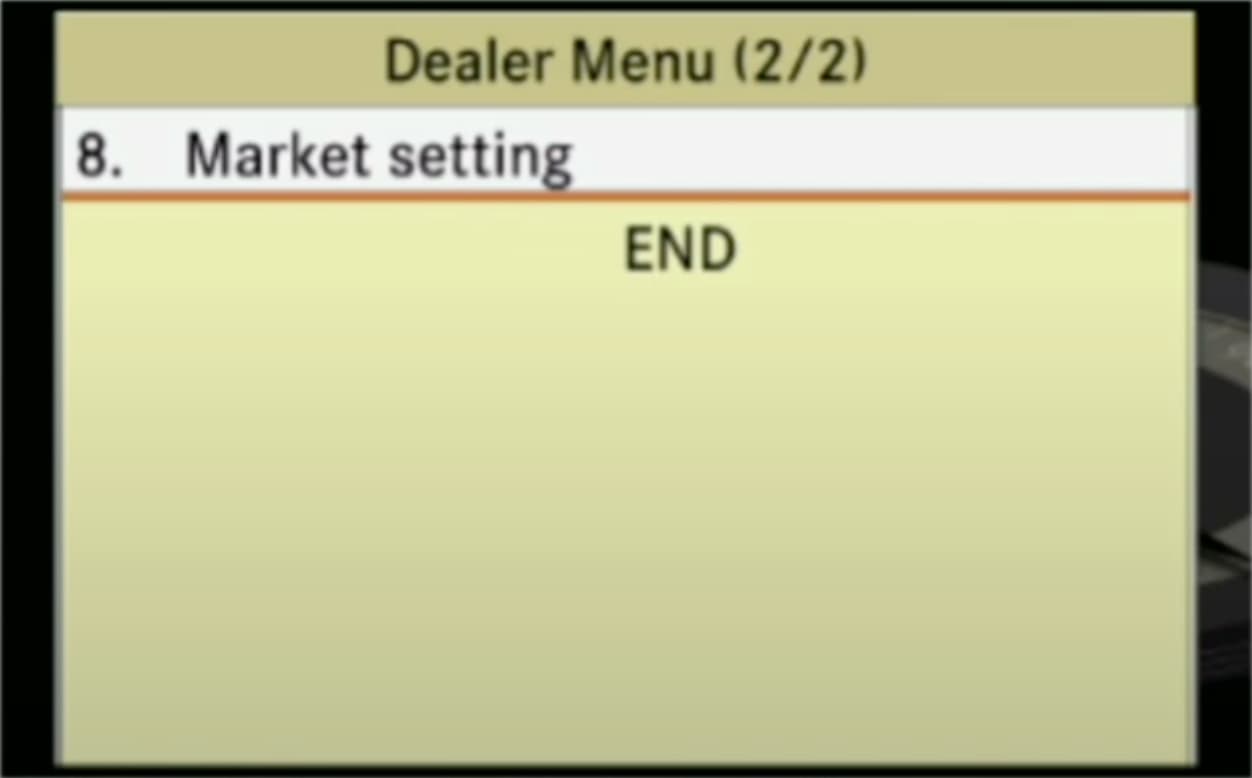
- In the Dealer Menu, scroll to page 2/2 using the Central Control Element (CCE).
- To navigate: Turn the CCE clockwise or counterclockwise to change pages, then push the CCE up or down to select options.
- Select option 8. Market setting.
- In the Dealer Menu, scroll to page 2/2 using the Central Control Element (CCE).
- Change the Market Setting
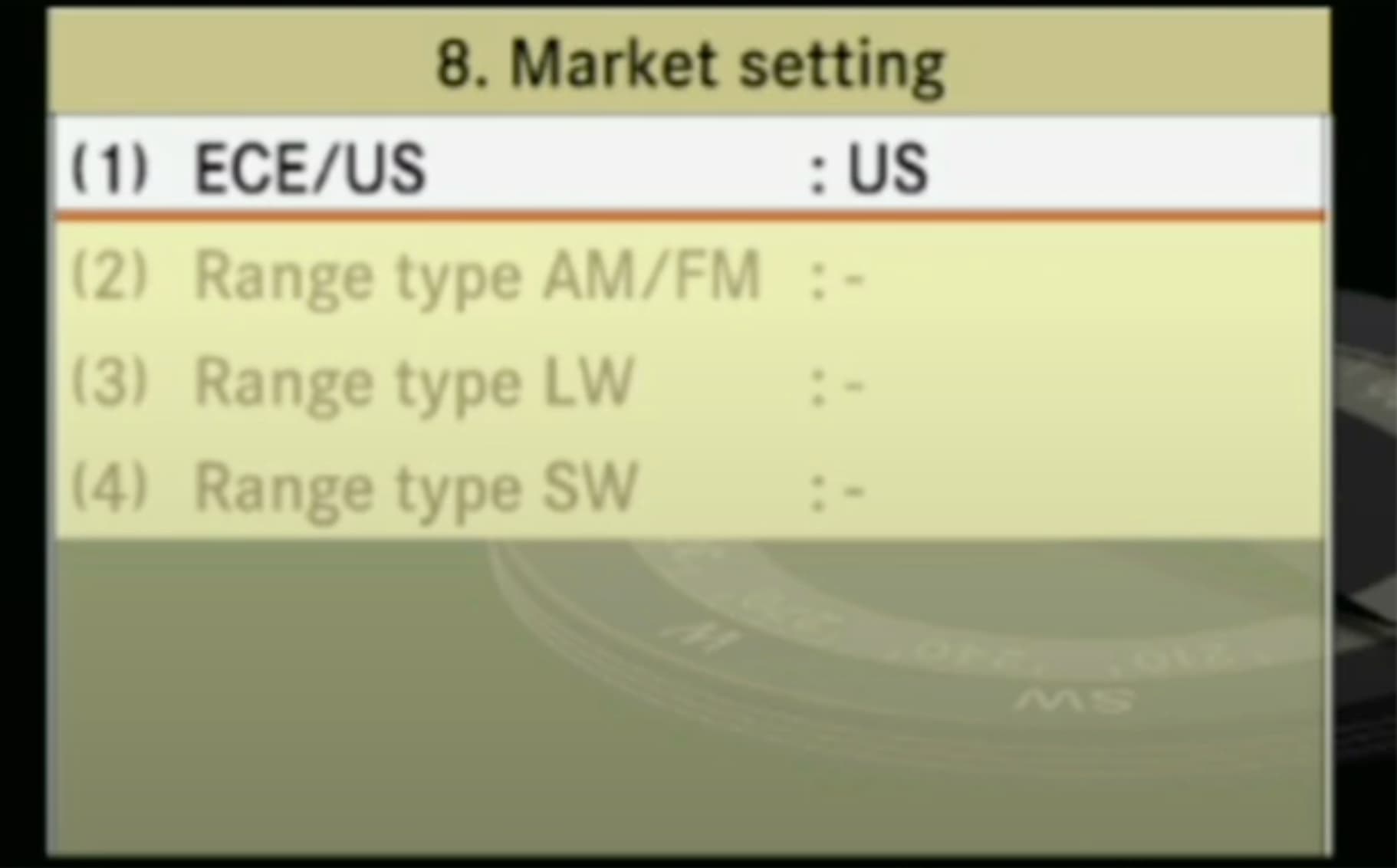
- In the “Market setting” menu, you will see the current setting, e.g., ECE/US: US.
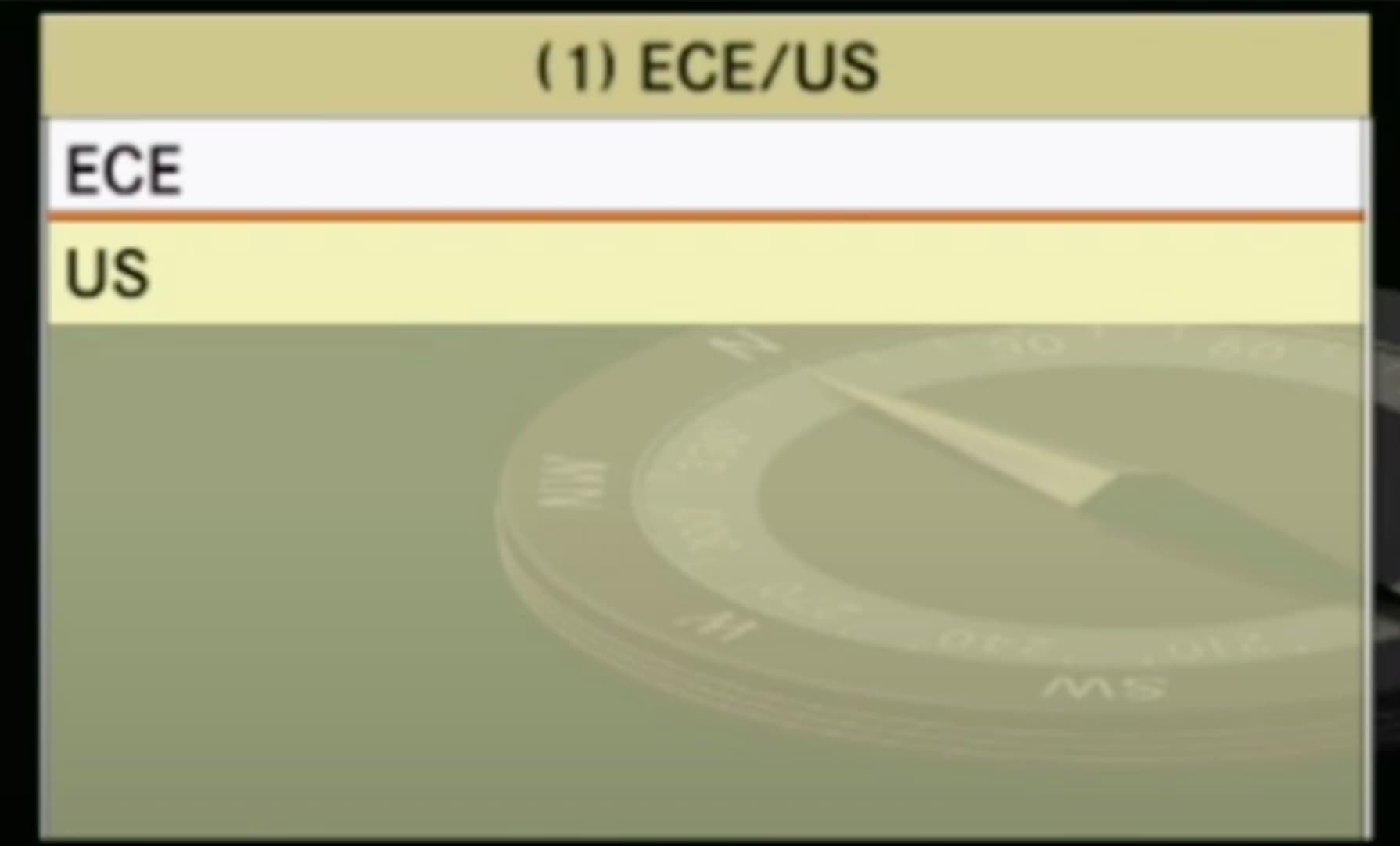
- Highlight the first line (1) ECE/US and change it to ECE (European variant).
- Options available: ECE or US.
- Confirm the selection using the CCE (press to select).
- Exit the Dealer Menu
- Press the hard key BACK three times.
- Confirm the last action by selecting End in the Dealer Menu.
- Reset the Head Unit (HU)
- After exiting the Dealer Menu, press and hold the On-button for 8 seconds.
- This will reset the Head Unit (HU), applying the changes. The system will switch off and reboot automatically.
Additional Notes
- The menu can also be used to change a USA variant to an ECF variant if needed.
- Ensure the vehicle has the appropriate map database for the selected region (e.g., a USA Map Database DVD for USA mode).
- If the changes do not apply, repeat the steps or consult a Mercedes-Benz dealer.
hi there how i change region NTG 5.1 from japan to australia country mercedes s400 year 2016 model w222 and how i can order sd card gps australia map from you
my car vin number WDD2220572A248907
One way – change head unit.
Thank you very much for your help and support that was very helpful to learn and appreciate everything about your information.