
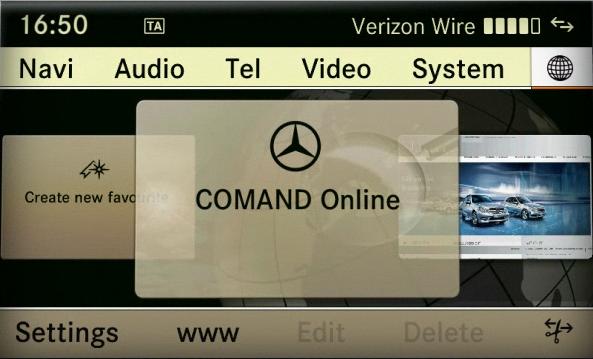
As of Model Year 2010 (207/212 models), the COMAND system can be switched between European (ECE) and USA variants (“modes”). This feature is useful for:
- USA vehicles purchased in Europe and intended for temporary use there (e.g., European Delivery Program, military, diplomats).
- Temporarily converting a USA-market vehicle to ECE mode for European navigation and features.
- Switching back to USA mode upon return to the USA without needing Star Diagnosis.
Note: Requires a valid, official, and legally acquired USA Map Database DVD for the specific model.
Warning: ECE (European Variant) mode enables basic Telematics functions in Europe when the Customer Center/Workshop in Germany changes the COMAND variant to European mode.
Steps to Change Region
- Access the Dealer Menu
- On the COMAND system, press and hold the following three hard keys together: END + 7 + 9.
- Hold these keys for a few seconds until the Dealer Menu appears on the screen.
- Navigate to Market Setting
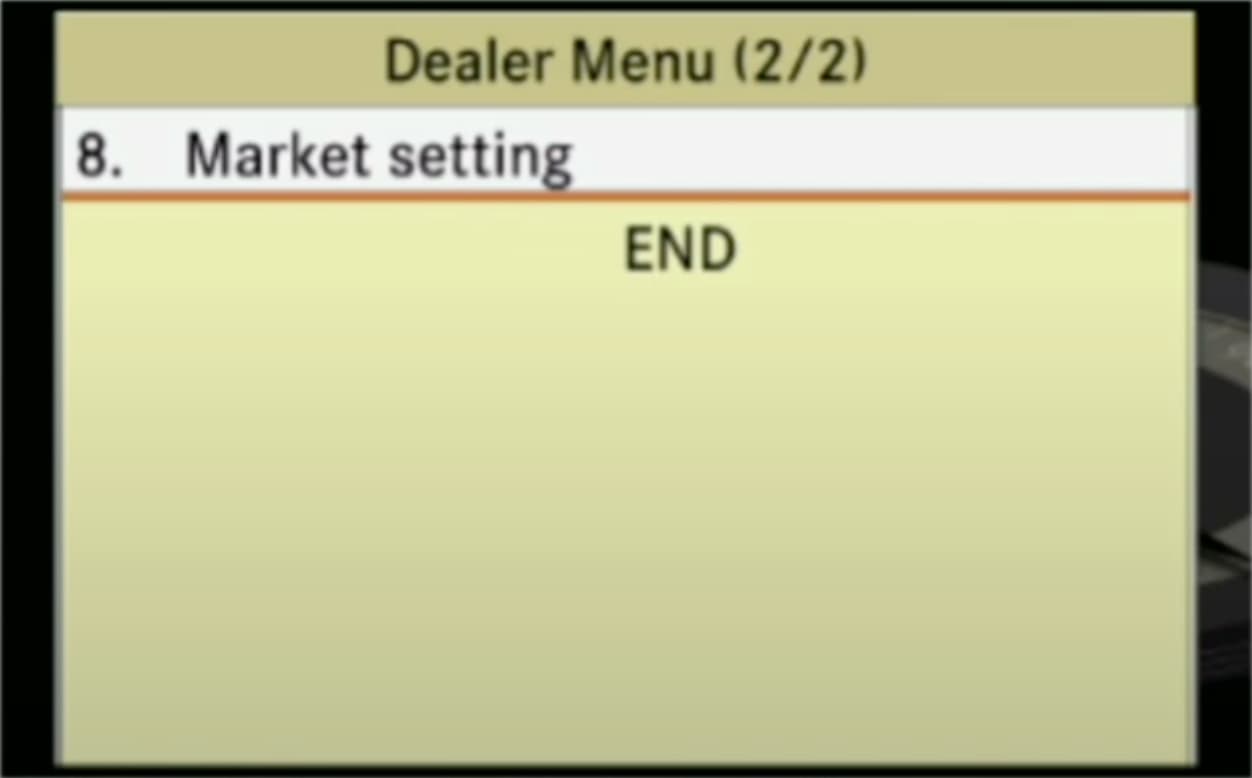
- In the Dealer Menu, scroll to page 2/2 using the Central Control Element (CCE).
- To navigate: Turn the CCE clockwise or counterclockwise to change pages, then push the CCE up or down to select options.
- Select option 8. Market setting.
- In the Dealer Menu, scroll to page 2/2 using the Central Control Element (CCE).
- Change the Market Setting
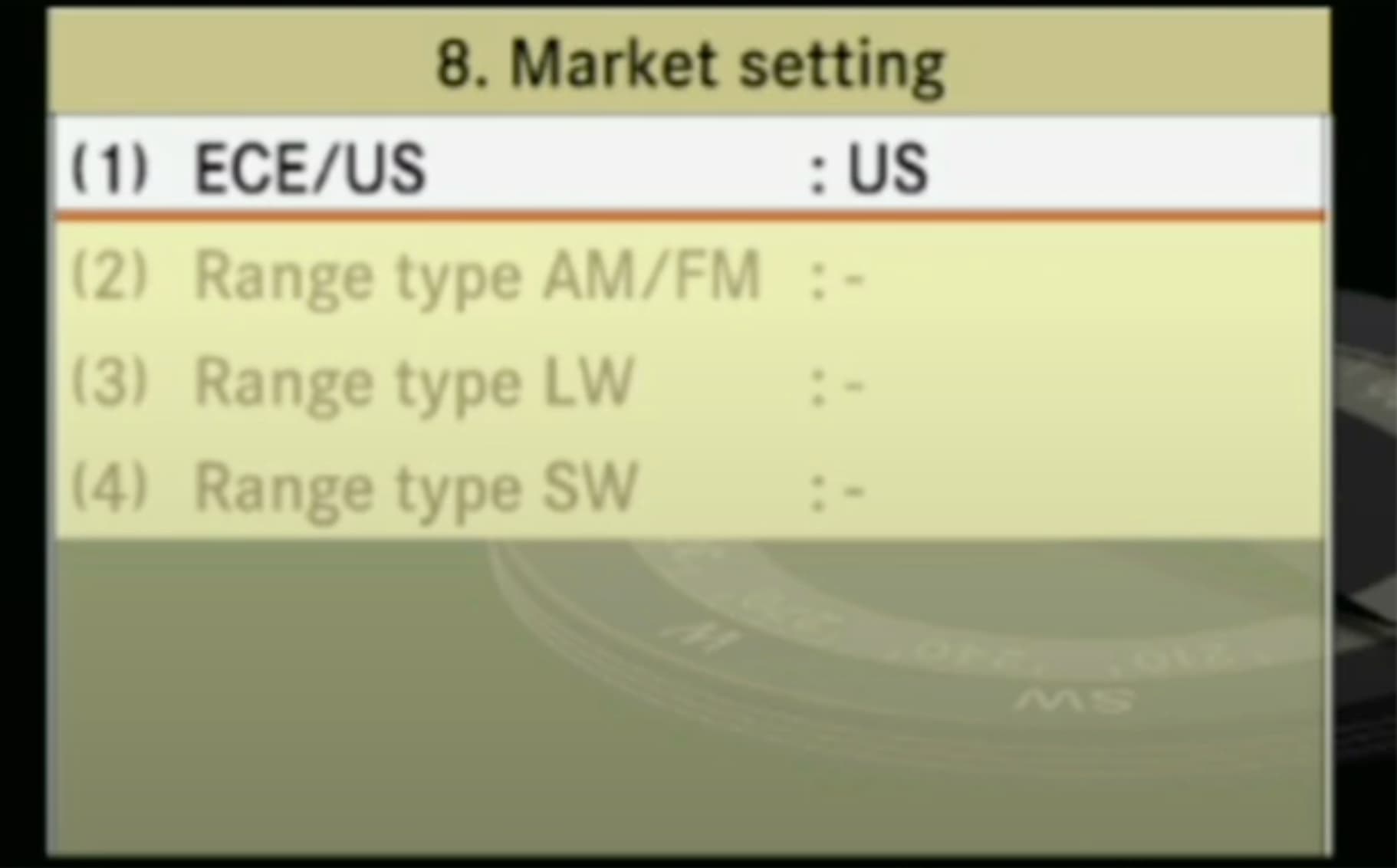
- In the “Market setting” menu, you will see the current setting, e.g., ECE/US: US.
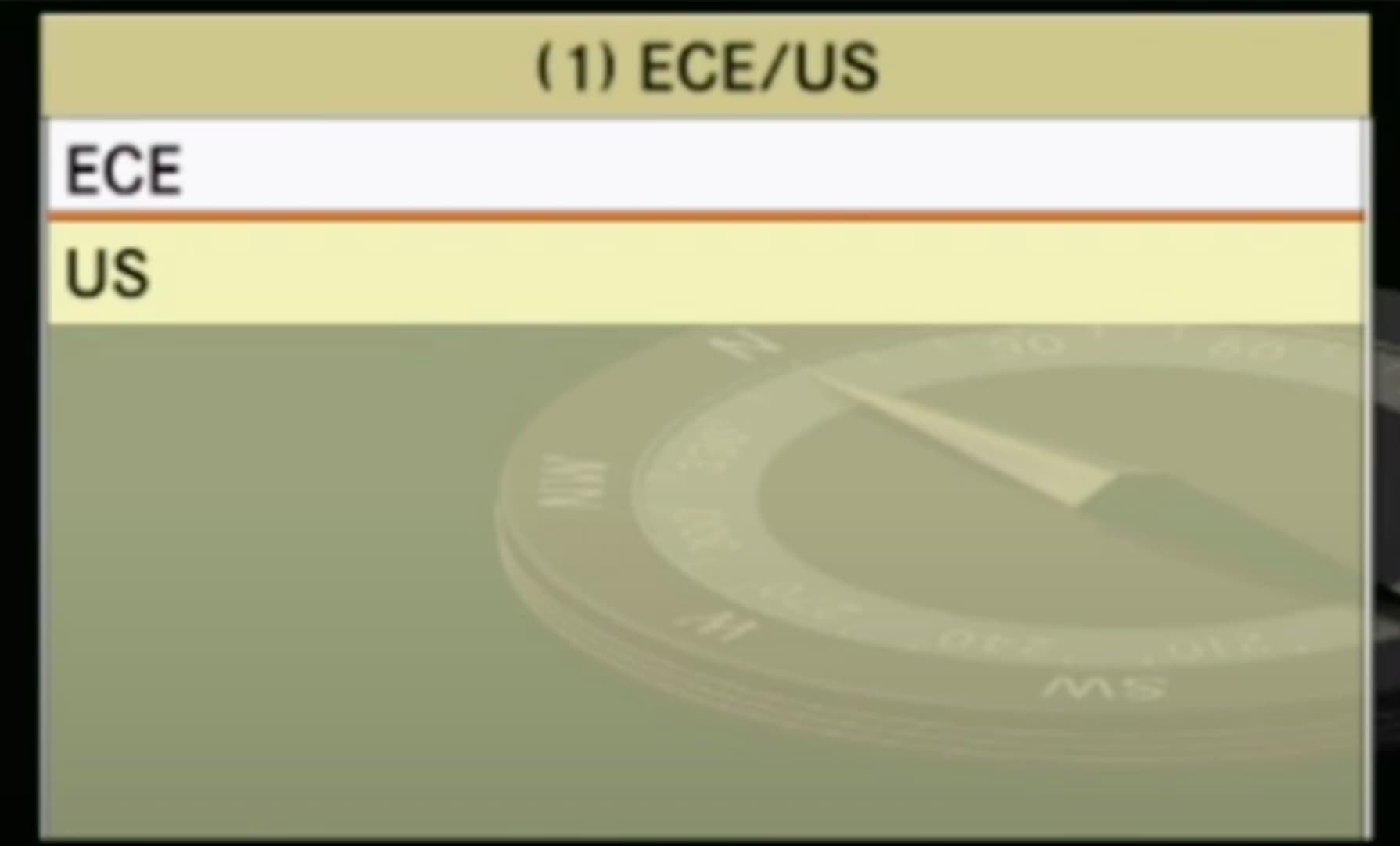
- Highlight the first line (1) ECE/US and change it to ECE (European variant).
- Options available: ECE or US.
- Confirm the selection using the CCE (press to select).
- Exit the Dealer Menu
- Press the hard key BACK three times.
- Confirm the last action by selecting End in the Dealer Menu.
- Reset the Head Unit (HU)
- After exiting the Dealer Menu, press and hold the On-button for 8 seconds.
- This will reset the Head Unit (HU), applying the changes. The system will switch off and reboot automatically.
Additional Notes
- The menu can also be used to change a USA variant to an ECF variant if needed.
- Ensure the vehicle has the appropriate map database for the selected region (e.g., a USA Map Database DVD for USA mode).
- If the changes do not apply, repeat the steps or consult a Mercedes-Benz dealer.
Hi I want to install a map for Africa on a Class E (S213) Year 2018 imported from Europe to Africa. I understood I need to 1/ change the region in the car 2 /buy a new map + key 3/install the new map and activte it with the key.
Can you provide guidance on whether the change is possible and how to do it correctly.
Thanks
Possible
Please provide your VIN
hi there how i change region NTG 5.1 from japan to australia country mercedes s400 year 2016 model w222 and how i can order sd card gps australia map from you
my car vin number WDD2220572A248907
One way – change head unit.
Thank you very much for your help and support that was very helpful to learn and appreciate everything about your information.