
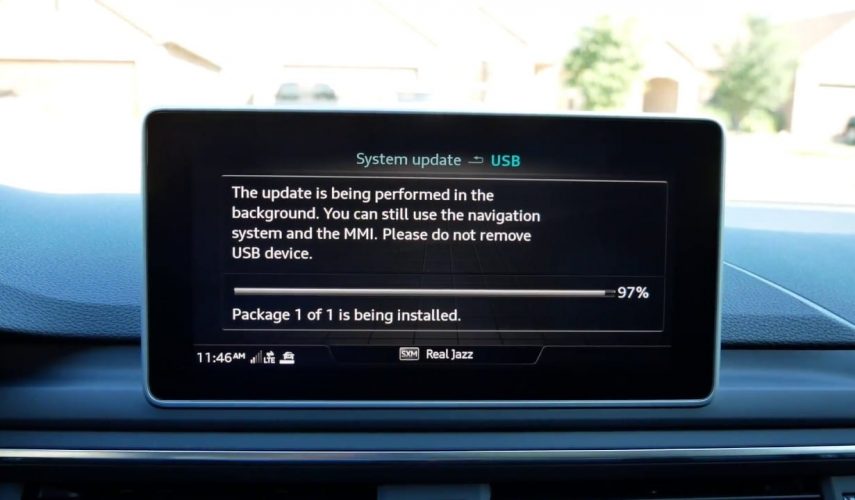
Updating an Audi MMI head unit
Whether we’re talking about a firmware update or a navigation maps update, different MMI models depending on their specs have different ways of receiving updates.
The current MIB models receive OTA (over the air) updates while the old MMI 2G needs to be updated by CD drive with the latest firmware on it. As for the MMI 3G, the updates can be done via SD card/CD/DVD/USB.
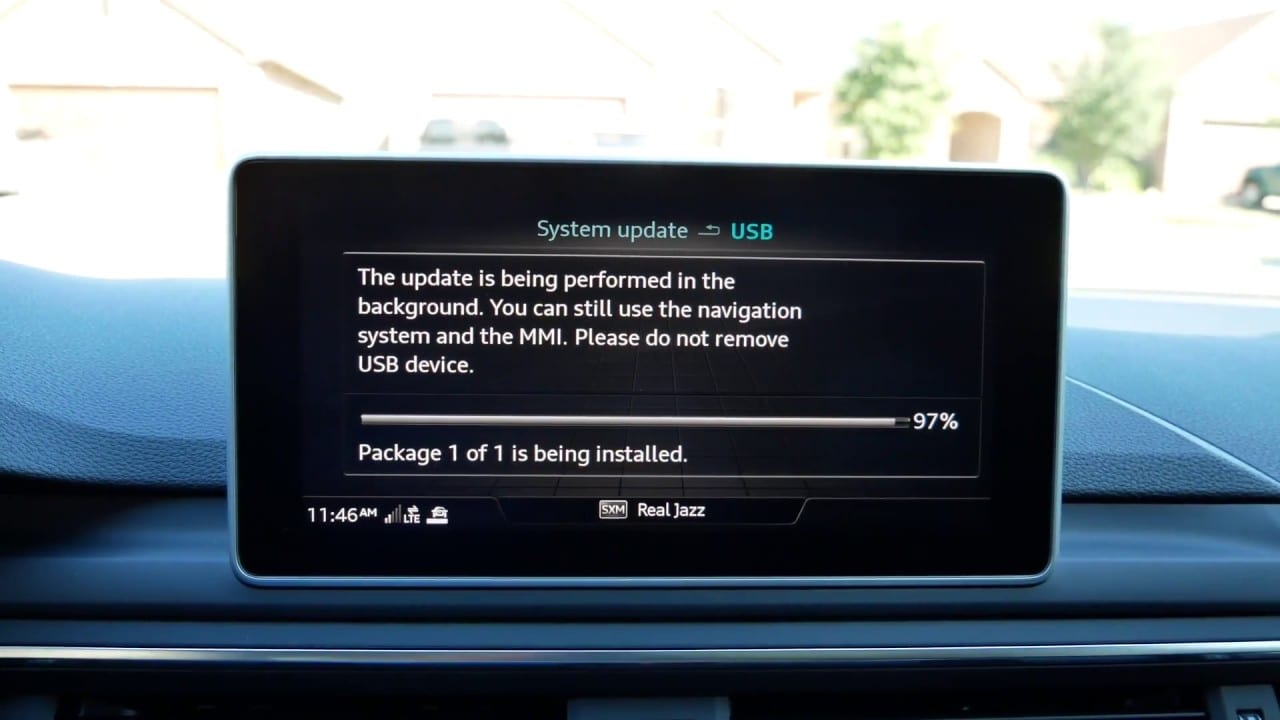
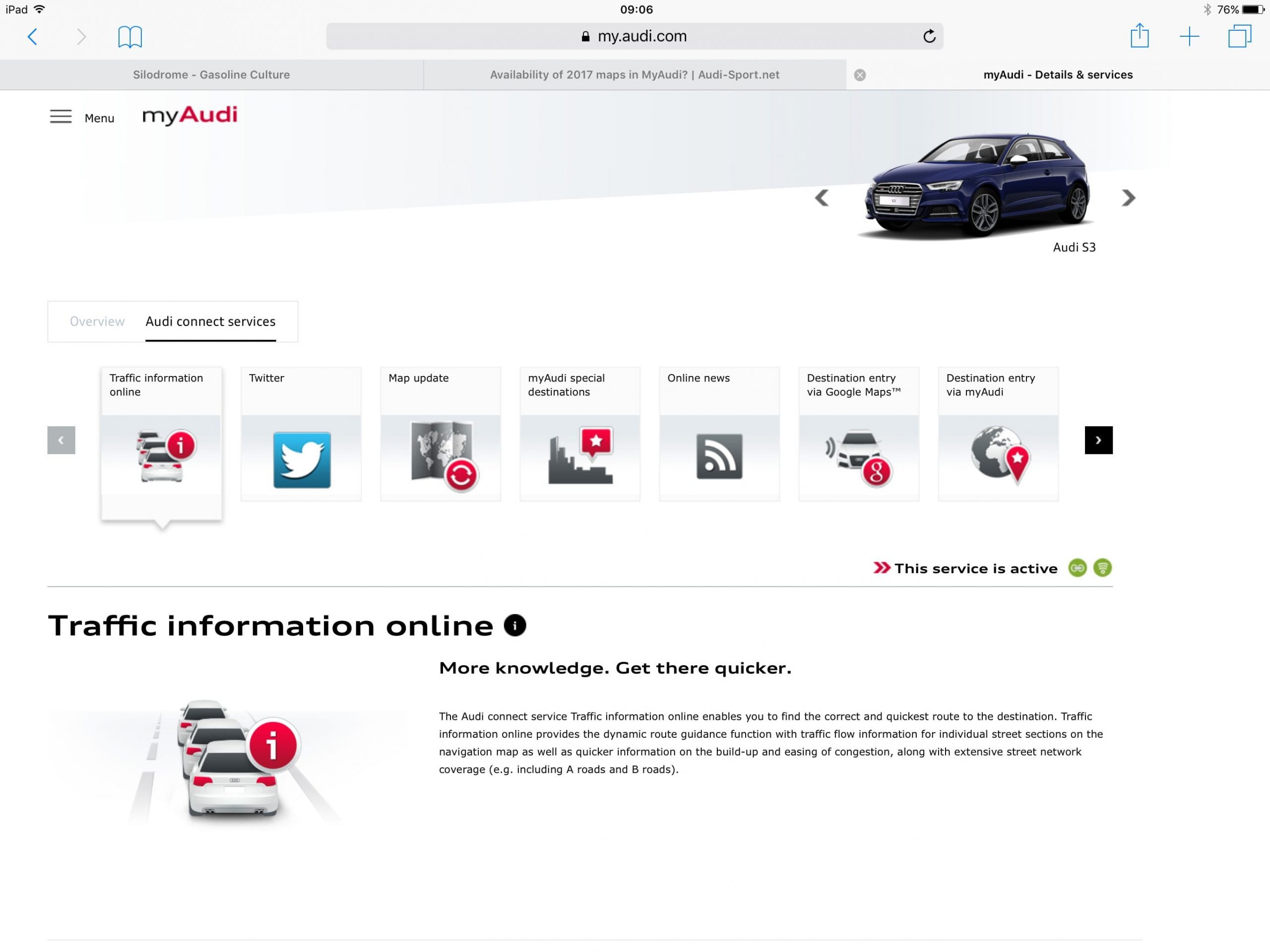
In case you have a MIB 1 in your 2015-16 Audi A3, you will also have to manually update your MMI via an SD card just like the MMI 3G. But for the MIB system after 2016, updates can be found on the myAudi website.
 As for the update on MMI 2G and MMI 3G, you would need a manual download from third-party websites. Then you would have to burn it onto a CD for MMI 2G or load it on a USB drive for MMI 3G. Afterward, you install it manually on your Audi by using the hidden menu or the Green Menu, This menu can be reached by pressing and holding “Setup” and “Return”.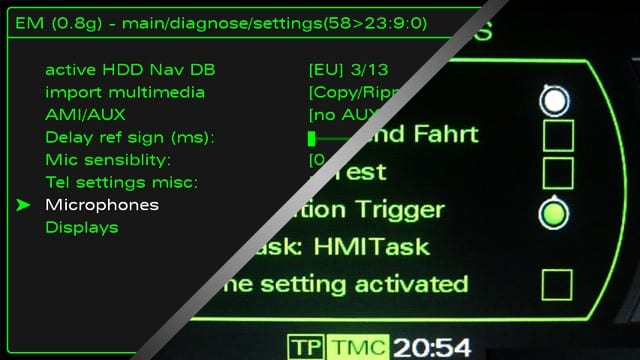
Do note that this menu in most Audi is not enabled and you would most likely need a indie shop to enable it on your car.
As for updating navigation maps, for the MMI 3G you have to follow the same procedure as for the firmware update, which we described above. The MMI 2G, on the other hand, uses maps DVD, so you would simply need to get a newer DVD with latest maps.
Needless to say, all MMI models are upgradable, but it’s slightly more unfriendly in older MMI models.
That being said, this was our post on Audi head units and how to identify which MMI model you have. Let us know what MMI unit you have and what upgrades you are planning to do.
buenos días tengo un audi de mayo del 2016 un a4 avant de 150cv no estoy seguro del FireWire que le vale un saludo
Hello
So what is the question?
Szia honnan tudnám le tölteni a magyarositást Audi mmi 2g hez ???
Hello
Unfortunately we cant help you